vSphere AD over LDAP(s) Identity Source config
vSphere AD over LDAP(s) Identity Source config
When adding the **AD **as Identity Source as currently recommended, you have to retireve the **LDAPS ***Certificates *of the *Primary *and *Secondary *servers
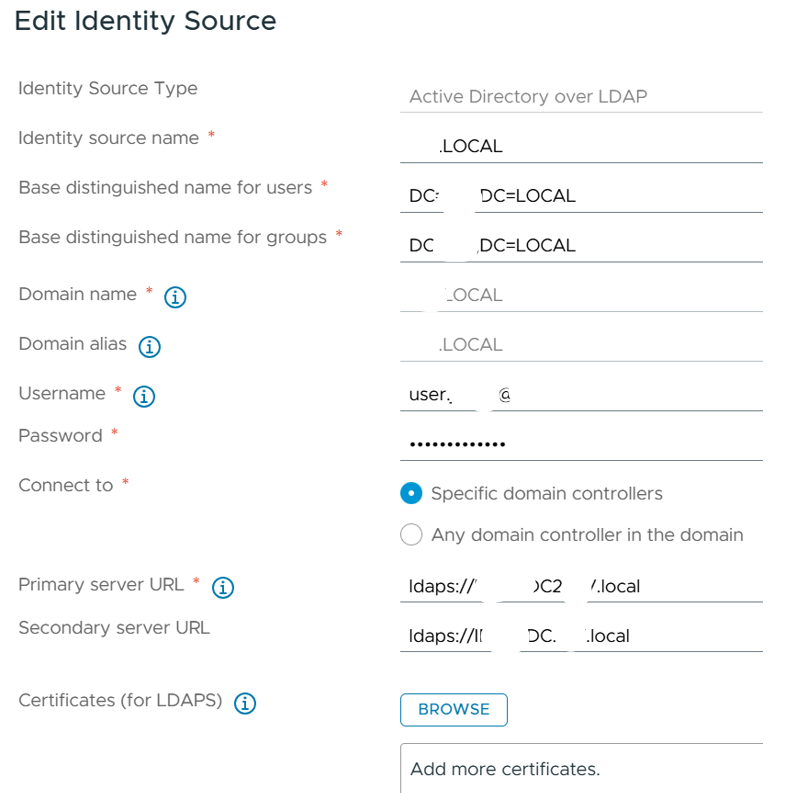
when possible, I’m using the Openssl utility installed in the VCSA, with these two commands:
> openssl s_client -showcerts -connect pdc.izz.local:636 -servername pdc.izz.local </dev/null 2>/dev/null > pdc.cer

> openssl s_client -showcerts -connect pdc2.izz.local:636 -servername pdc2.izz.local </dev/null 2>/dev/null > pdc2.cer
these commandsproduce a text file where you can easily cut&paste the correct certificate
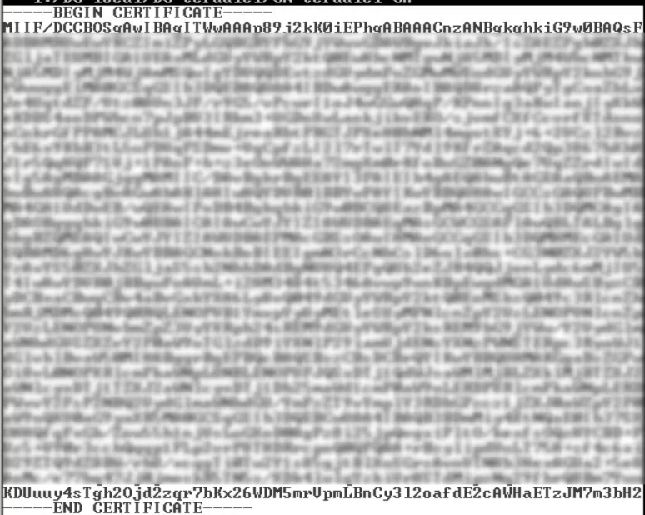
copy **only **this part on a new text file with .**cer **extension, for both files created on the VCSA. Use these in the Edit Identity Source window visible above, in vCenter Administration section.