Veeam SureBackup for testing critical VMs
Veeam SureBackup for testing critical VMs
About a month ago, we migrated a critical database from an old server to a new one running *Oracle *Linux 9 and *Oracle *19c. To speed up the migration process, we moved a virtual disk (on a *vSphere *environment) from a temporary VM used during the migration to the final destination VM.
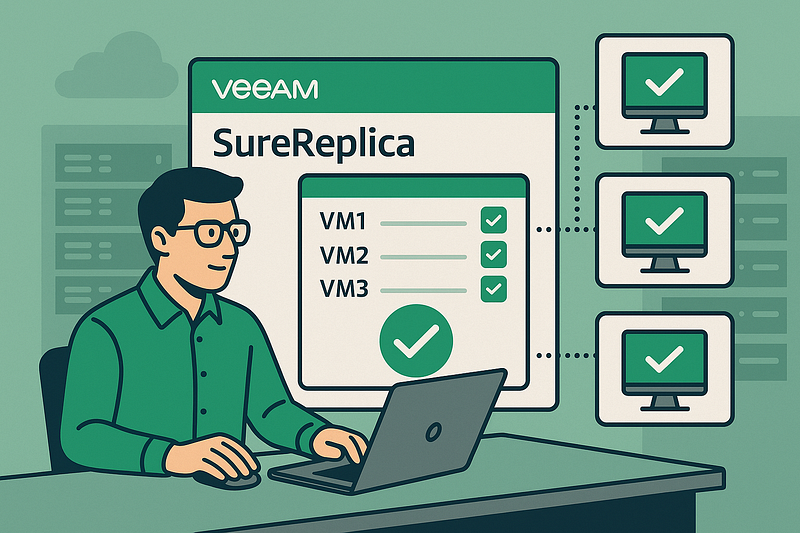
Ideally, we should’ve done a reboot at the end to ensure the VM’s integrity, but due to very tight downtime constraints, that step was skipped.
This is where one of Veeam’s features comes in handy: using SureReplica, you can spin up a replica VM in an isolated environment to run tests. This allows you to verify — without touching production — that everything still works after a reboot: all disks are correctly detected, and services, especially the *Oracle *DB, start up properly.
P.S.: If you don’t have a VM replication setup, you can do something similar manually using Instant Recovery. Just be extra careful to power on the *restored *VM in a way that avoids conflicts with the production one — especially with the network adapter disconnected.