Veeam Linux Hardened repo install with ISO
Veeam Linux Hardened repo install with ISO
I wanted to test the installation of a Linux Hardened Repo via the Veeam Infrastructure Appliance ISO
that you can download from your veeam account page: Products->Additional Downloads
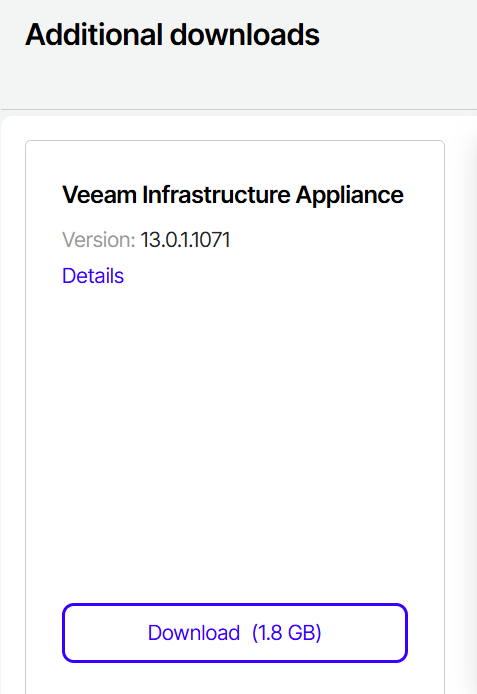
I don’t have available hw at home, so I used a VM, which is NOT recommended for production, but for testing only. Before to start, have a look at the requirements page:
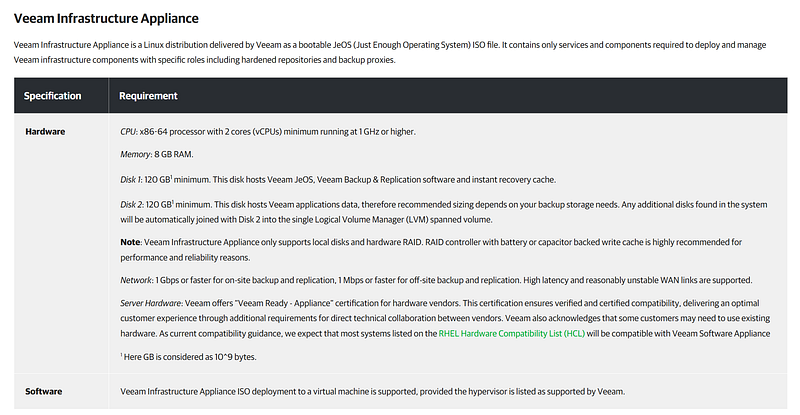
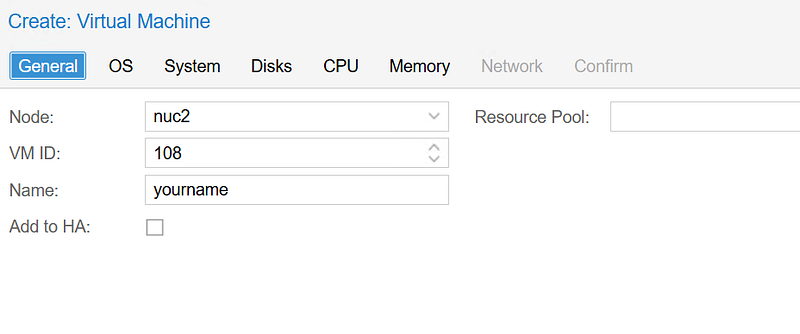
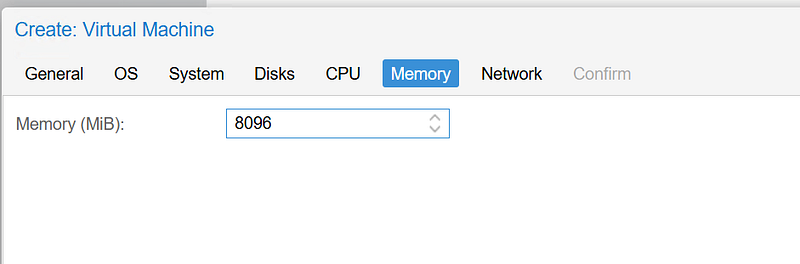
while the ISO was dowloading, I prepared the ProxMox VM:
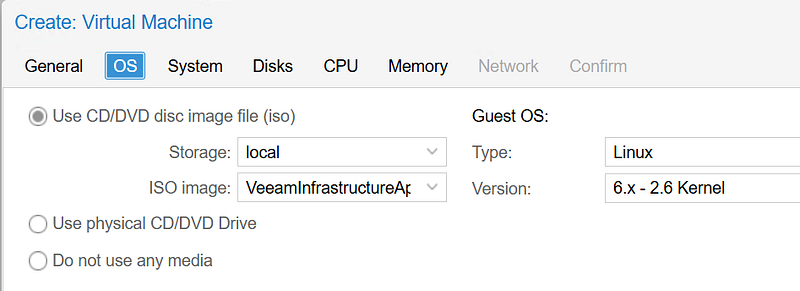
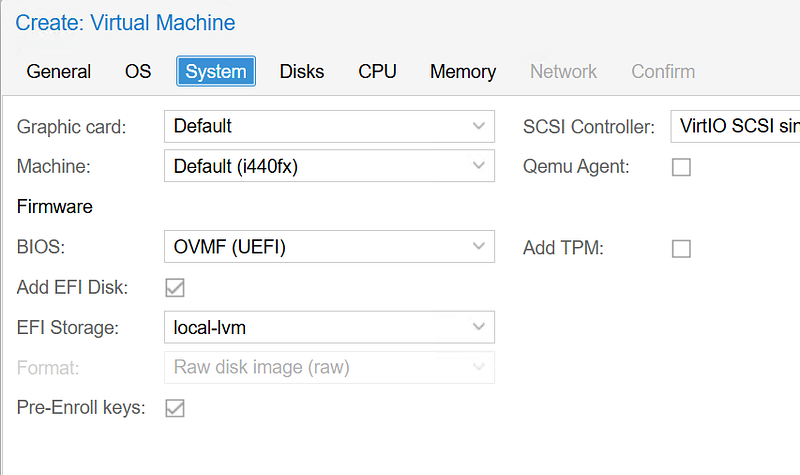
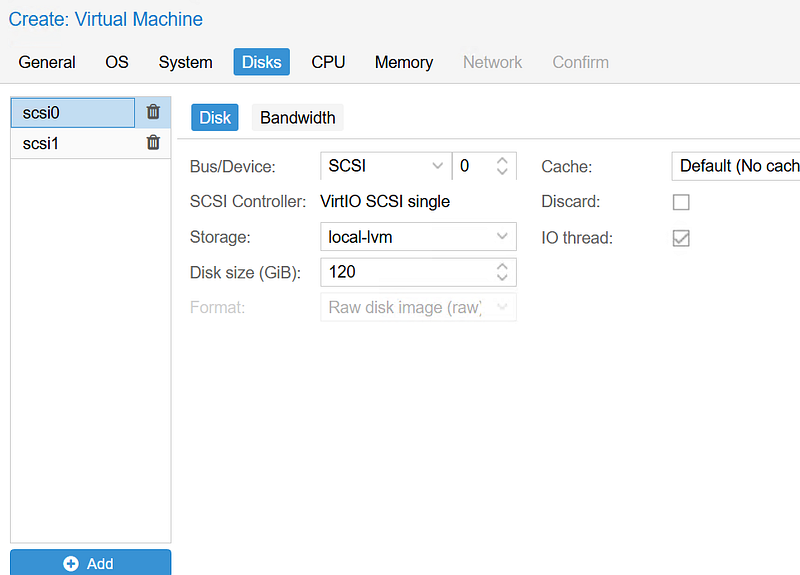
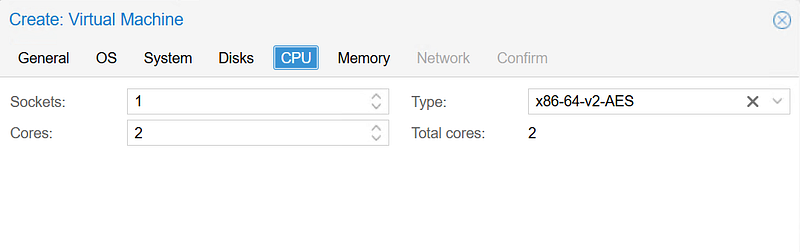
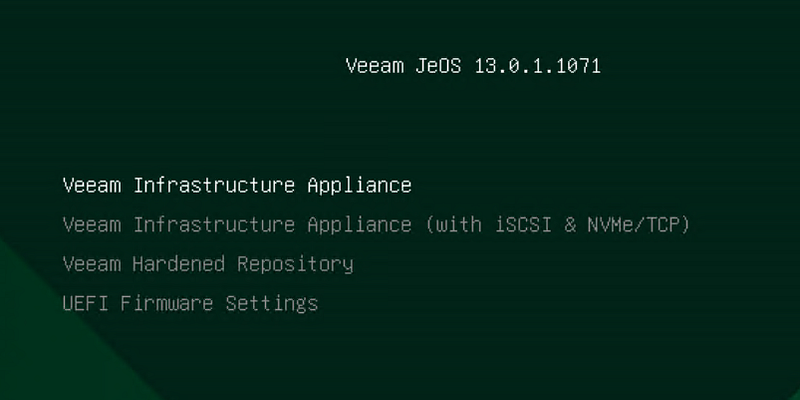
At the boot, this screen appears
my choice was the third option, obviously
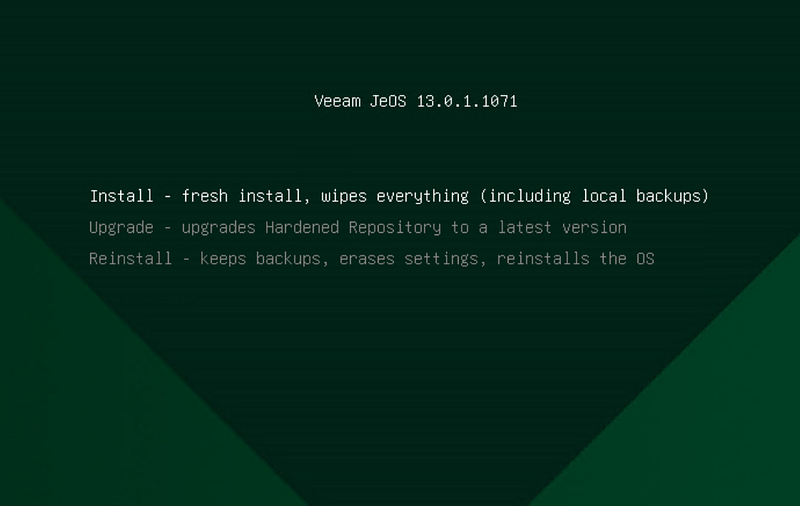
the ISO allows you to repair, update or fresh install.
A precompiled Rocky Linux installer appears and works for you
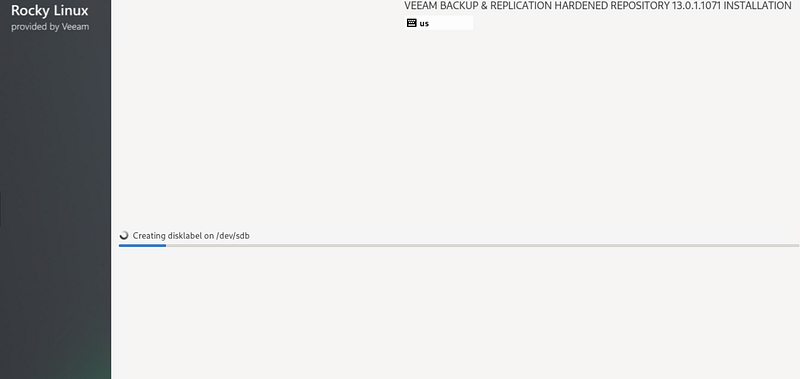
and when it’s done, a “real”, simple customized wizard starts up
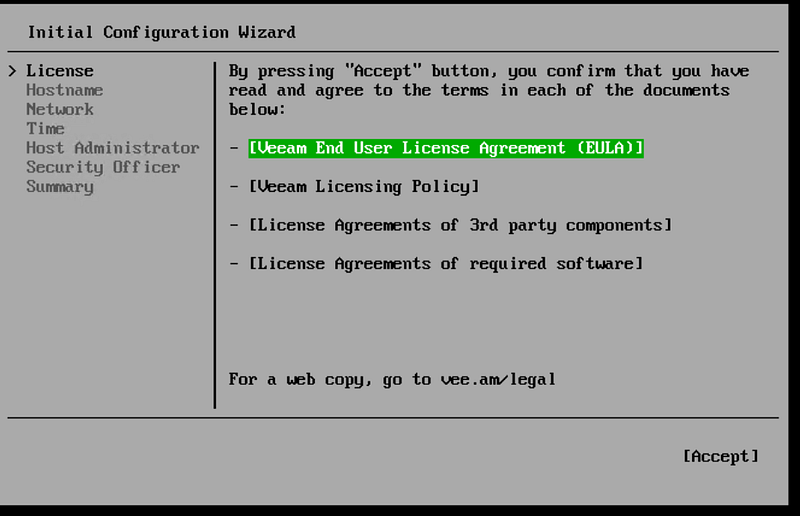
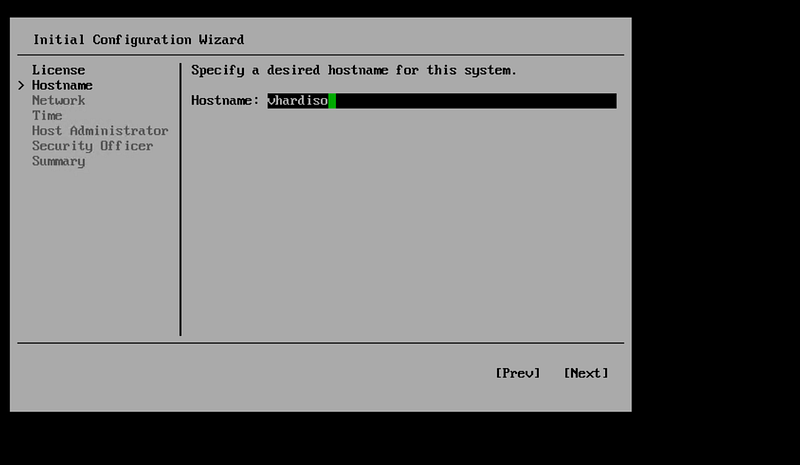
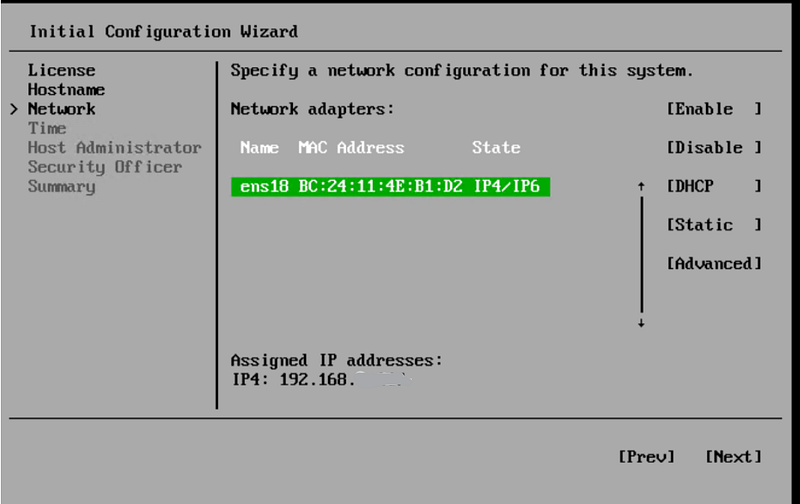
I left the DHCP assigned address, setting it as static assignment in my DHCP server
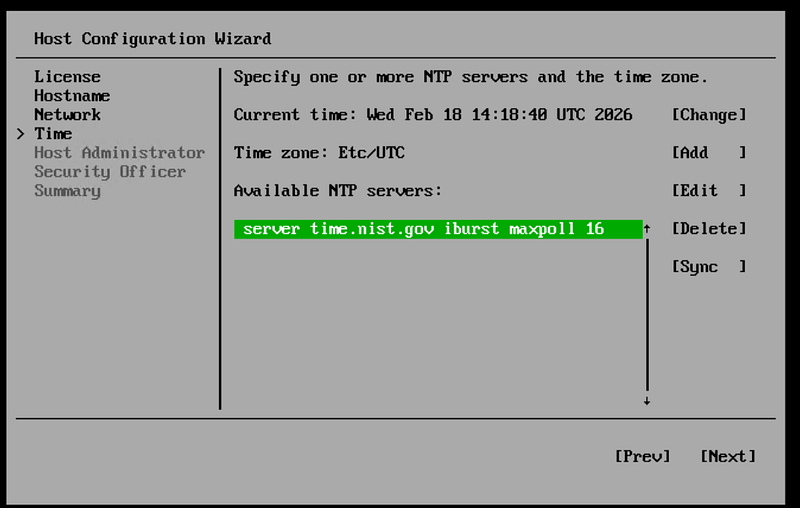
you will be asked to set two users password and MFAs, one for the veeamadmin
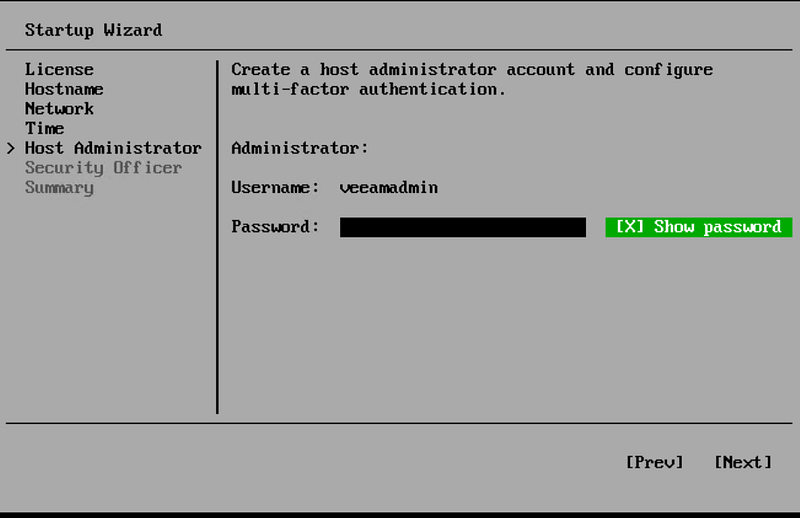
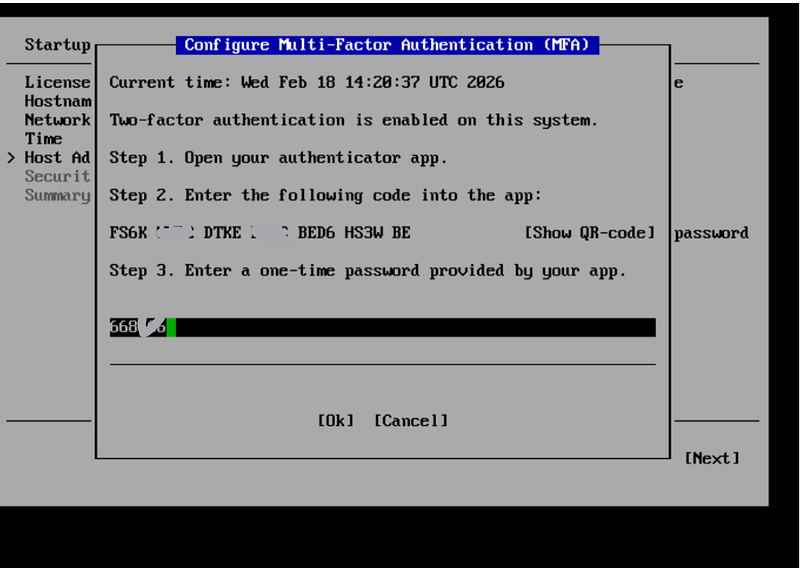
and one for the **veeamSecurityOfficer **(not mandatory)
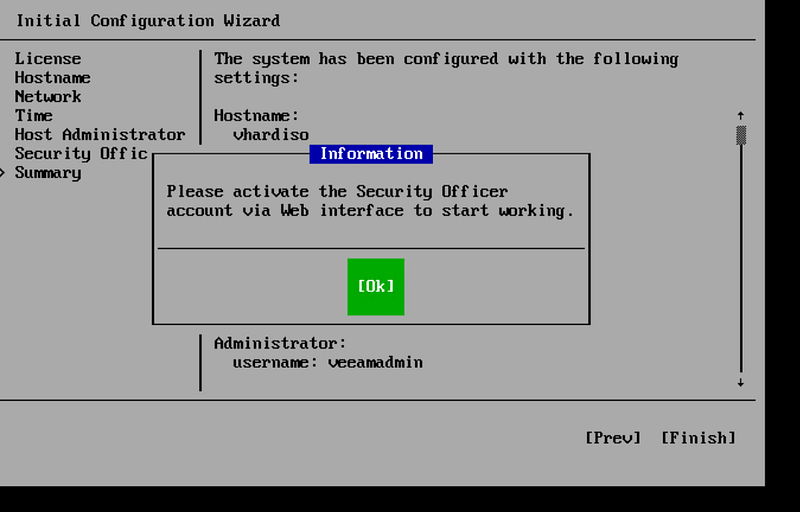
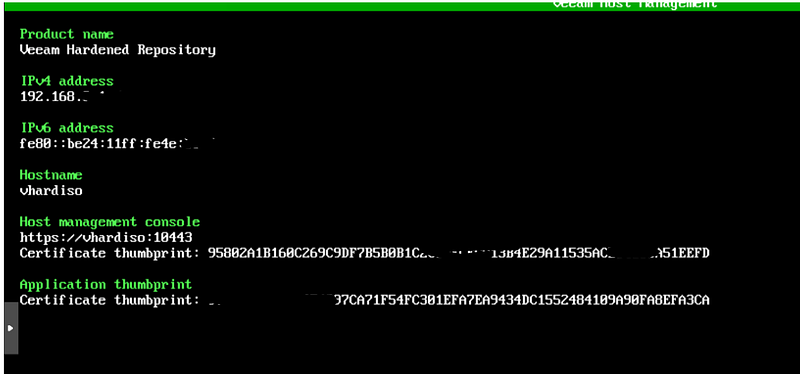
the wizard ends, starts the final configuration and, eventually, you’ll see this screen on the console, containing some useful infos
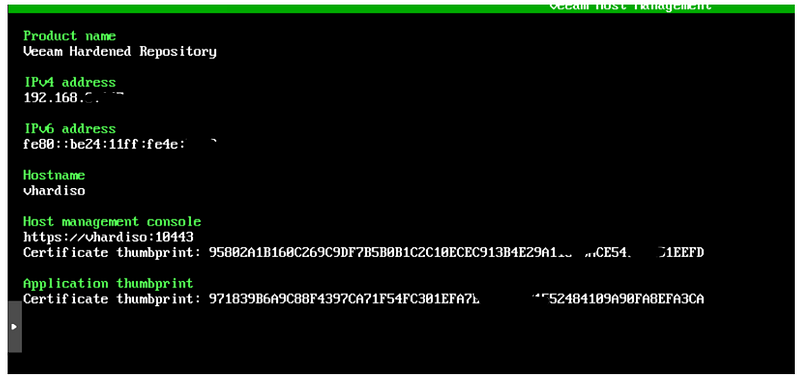
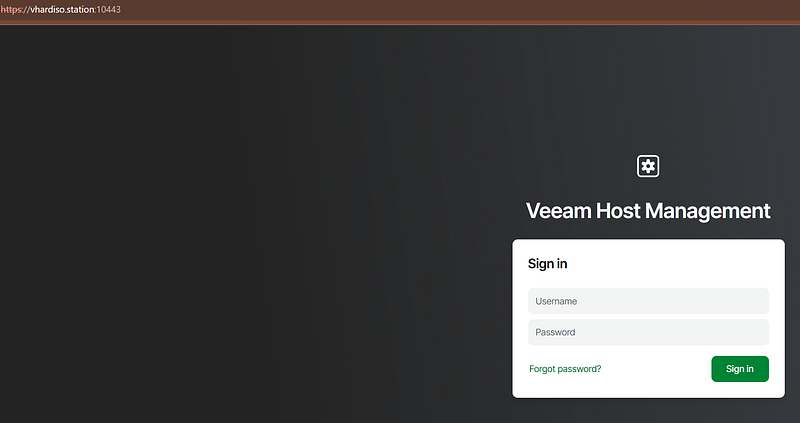
the Host Management Console is at https://:10443
Application thumbprint is…..
A brief pause to set the DHCP Server and DNS Proxy in my PAN Firewall, committ changes…
and I’m ready to access the host management console as veeamadmin
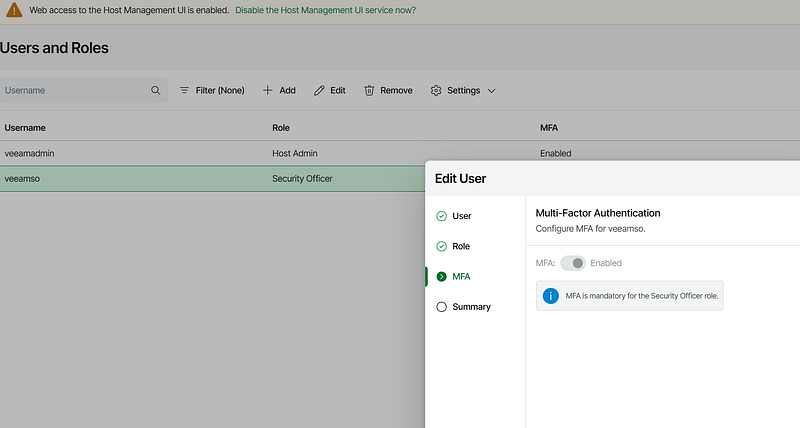
browsing the Users and Roles shows us that the **veeamso **user has not set the MFA
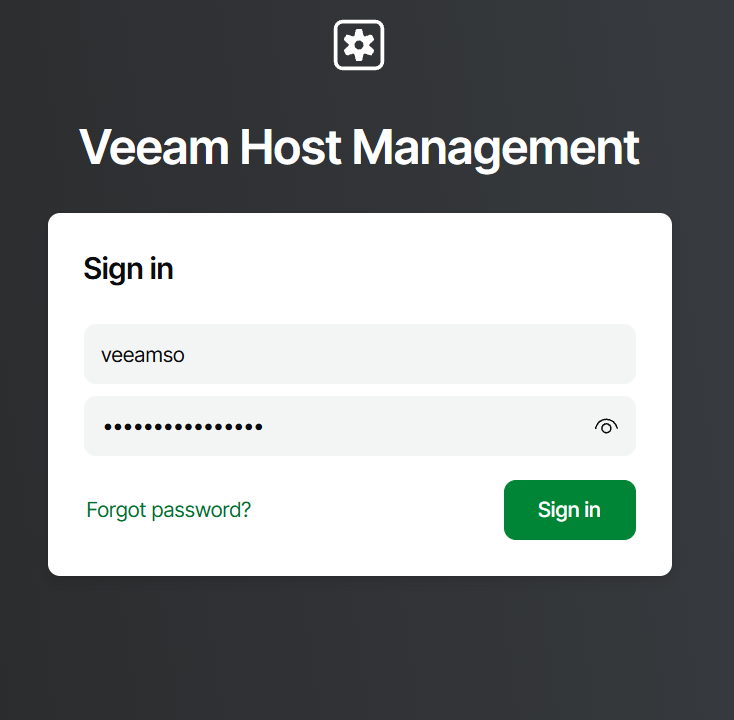
let’s logout and login again with veeamso password
we will be requested to change the pwd
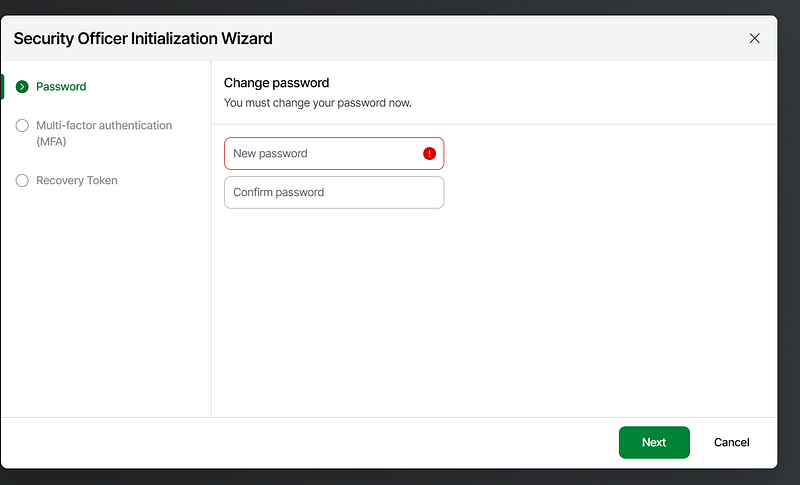
to set MFA and save a recovery token
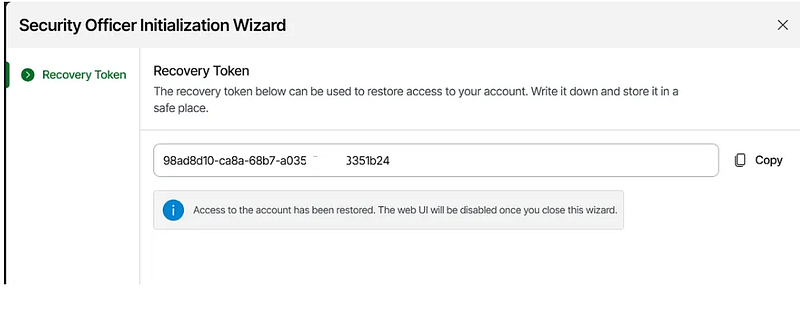
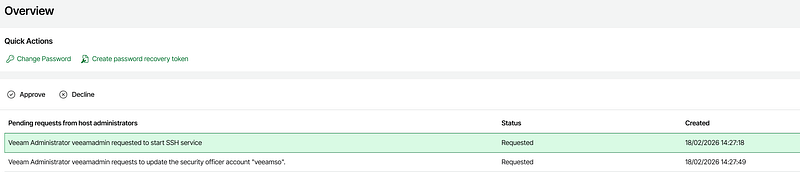
Security Officer console is very simple: he can only see, reject or approve “four eyes” requests
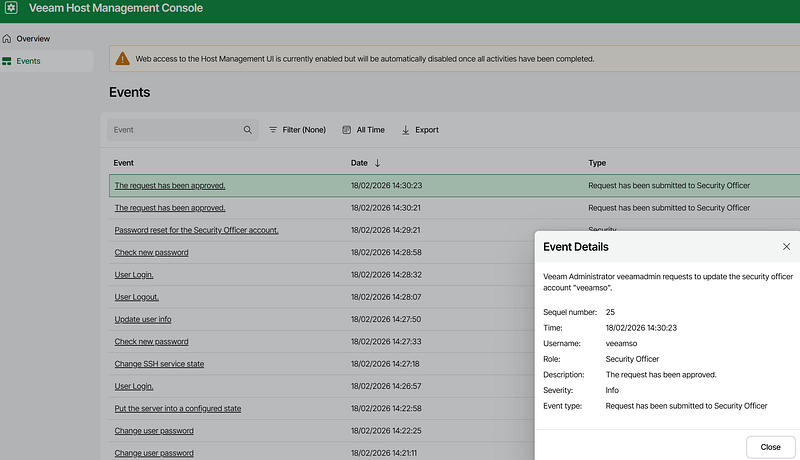
history is avaiable too
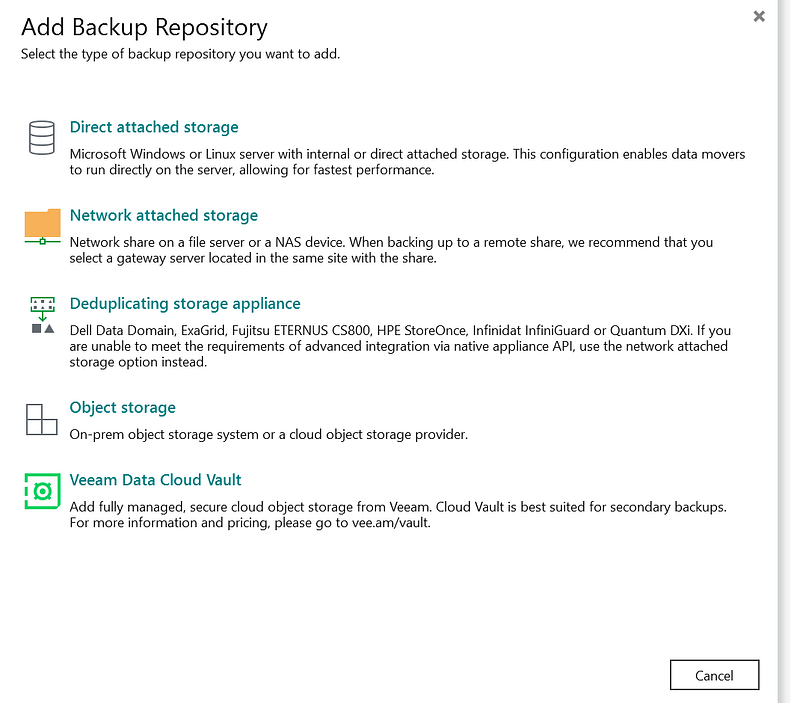
OK, now our Linux Hardened repo is ready to be configured in Veeam console; it’s a Direct attached storage naturally
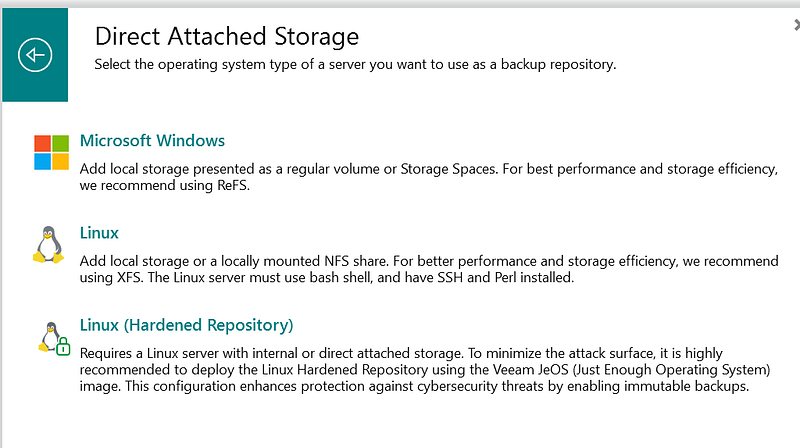
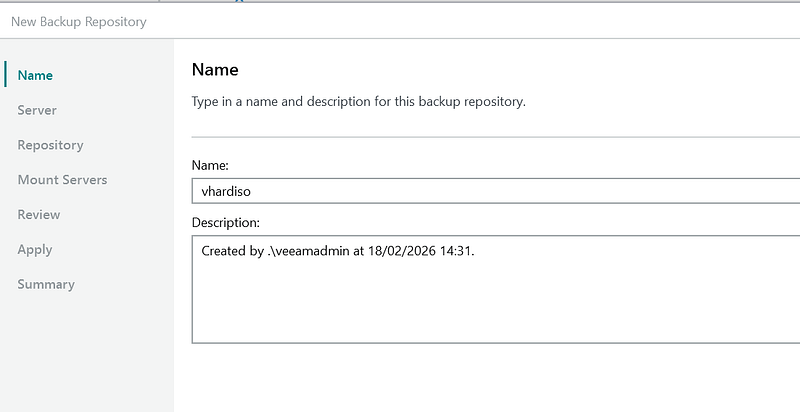
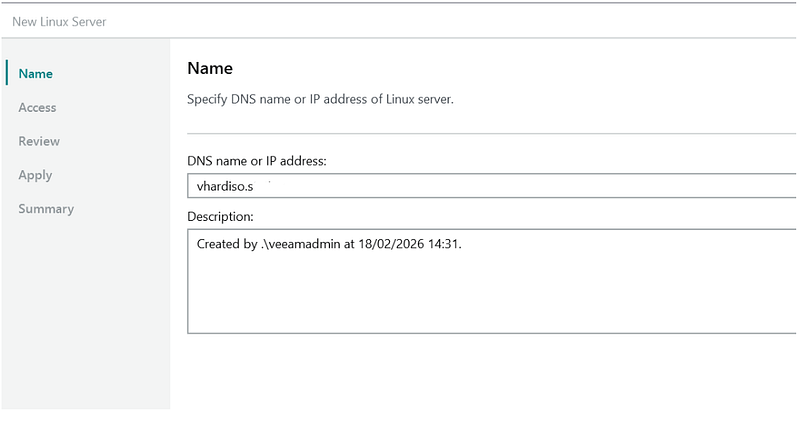
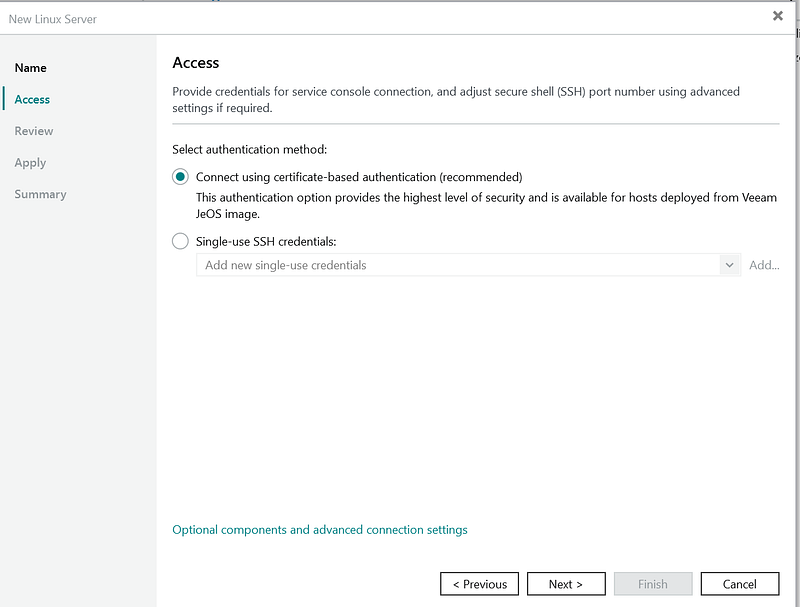
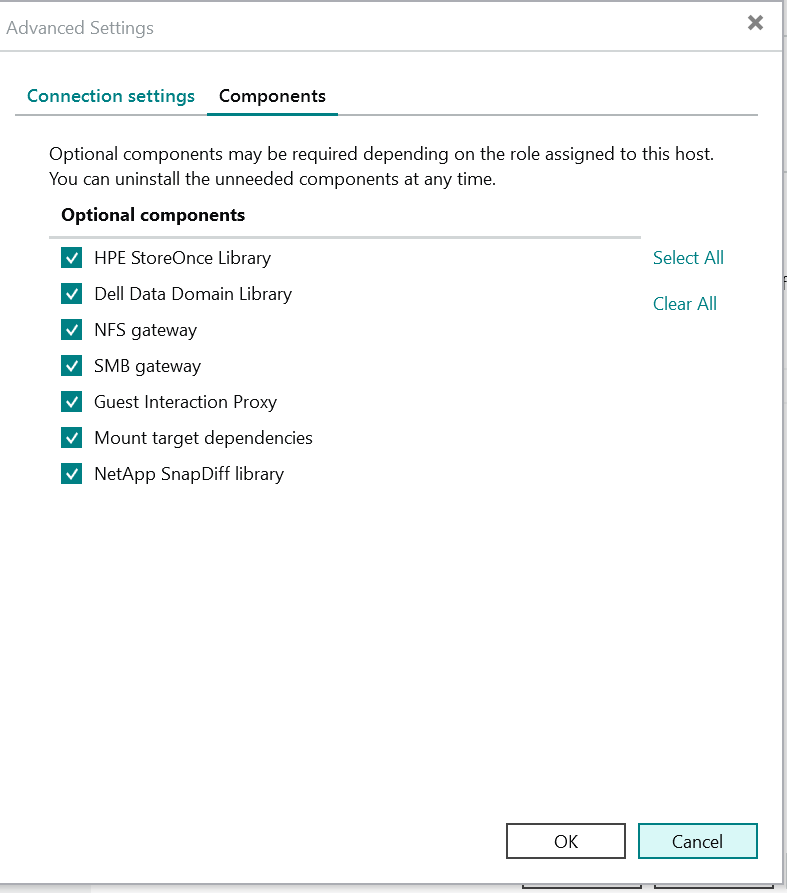
you can choose here the Optional components. Since it’s a lab I left them all, but in production you can avoid installing unuseful things, i.e. plugins for never-seen vendors
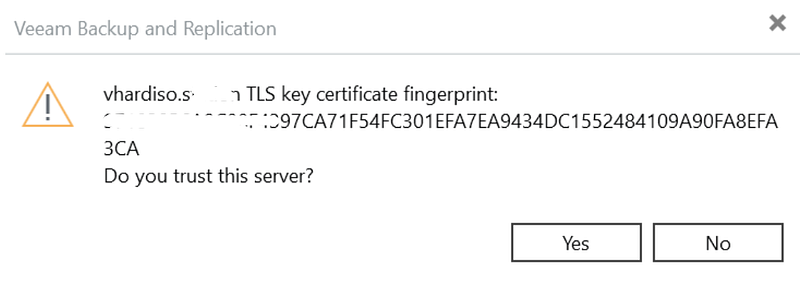
ohhh what is that? should I trust it???
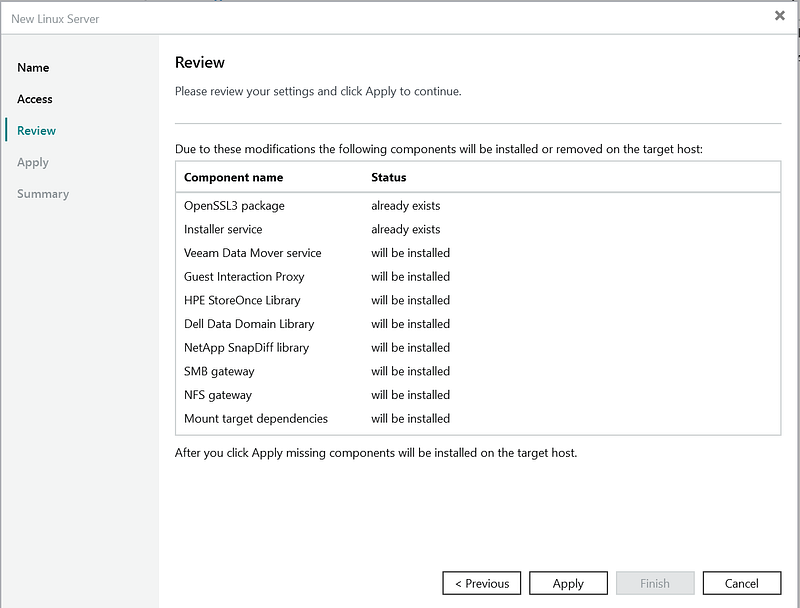
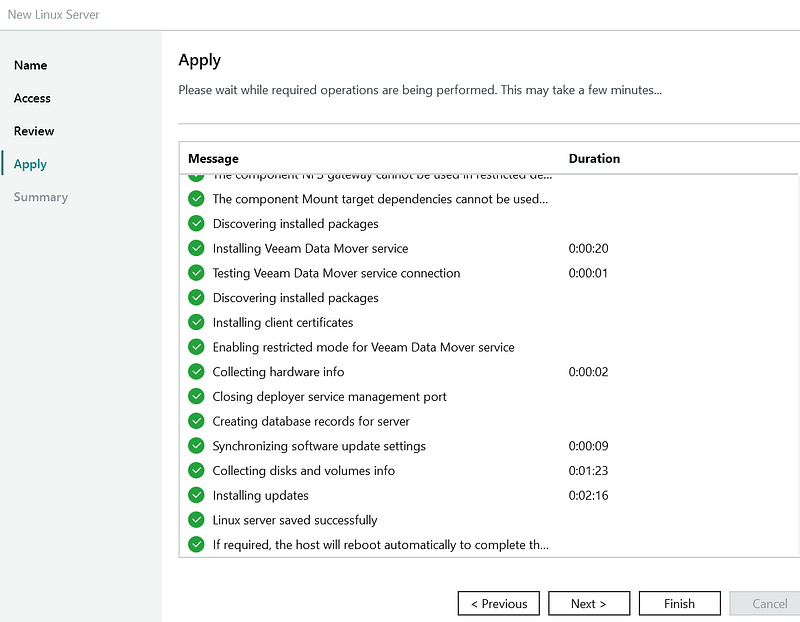
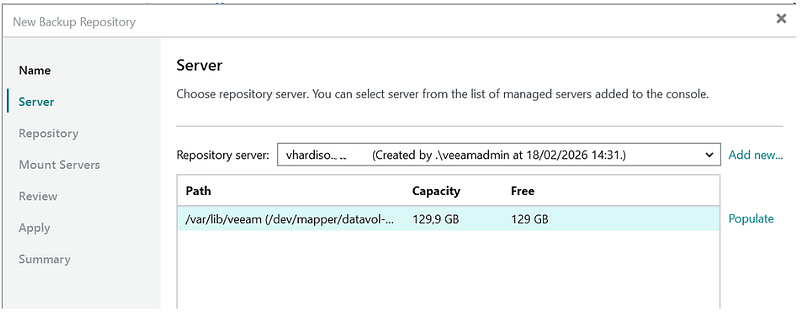
you can disable XFS fast cloning (but there is no reason to do so, normally)
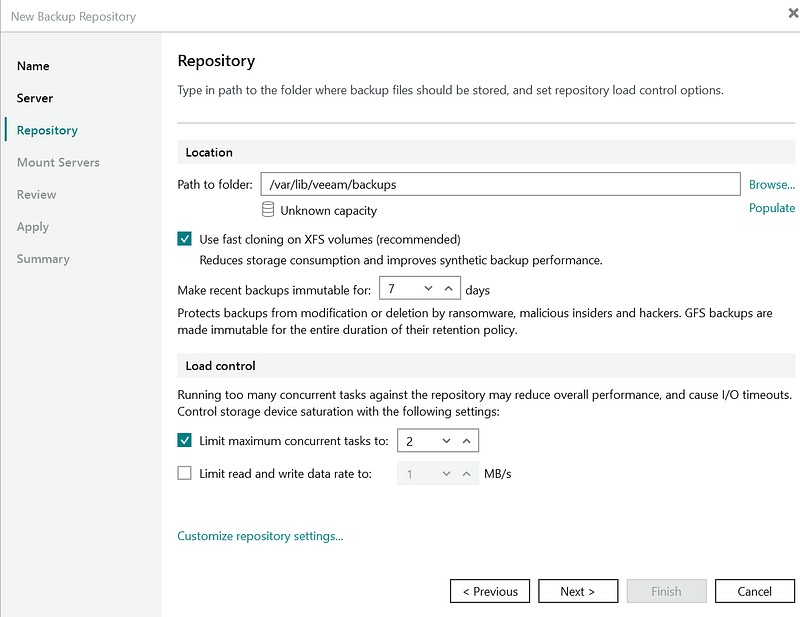
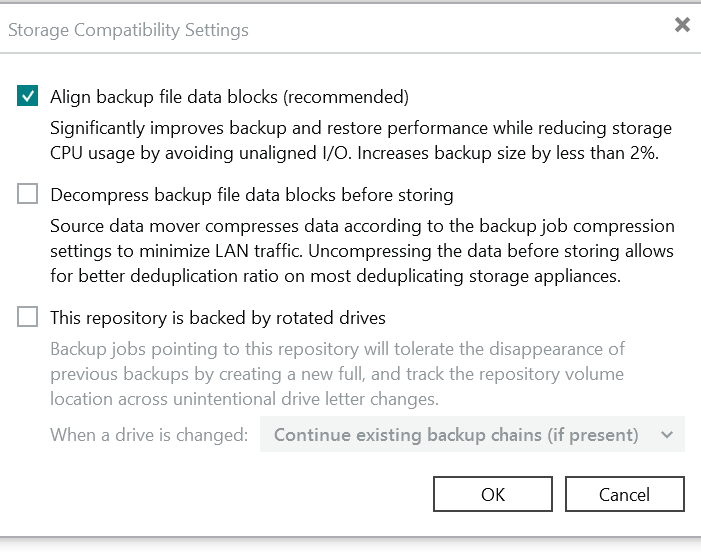
I looked at Customized settings… something it would be probably a good idea to hide, while they don’t apply to our situation: you don’t want to have rotated drive in this kind of repo and… it’s not a deduplicating appliance like a Dell DataDomain (thank’s God!)
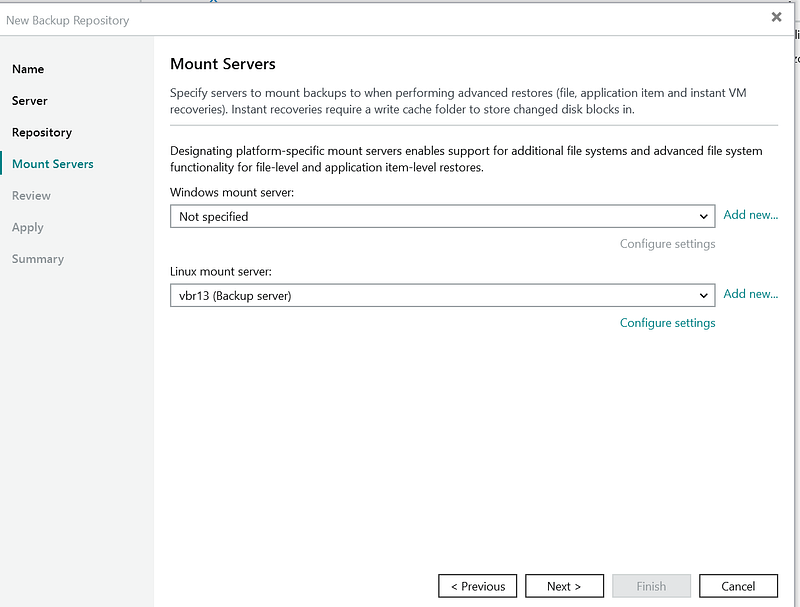
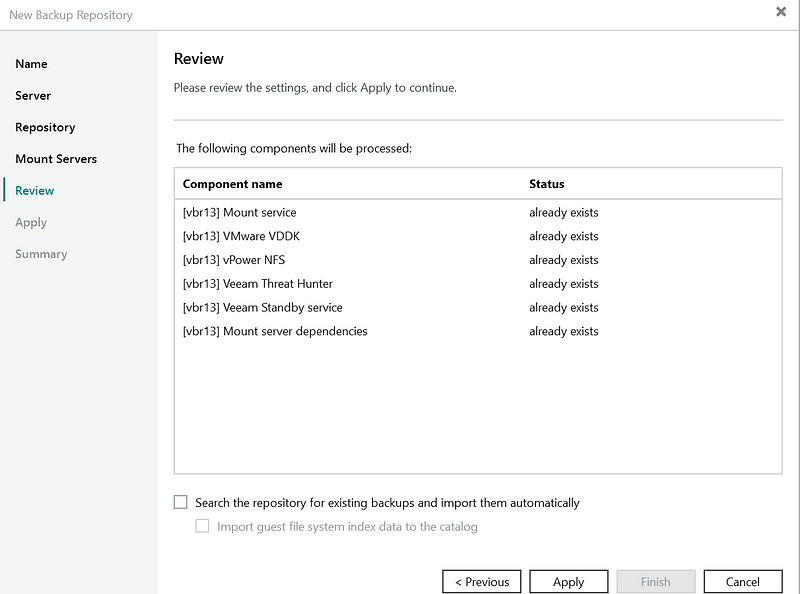
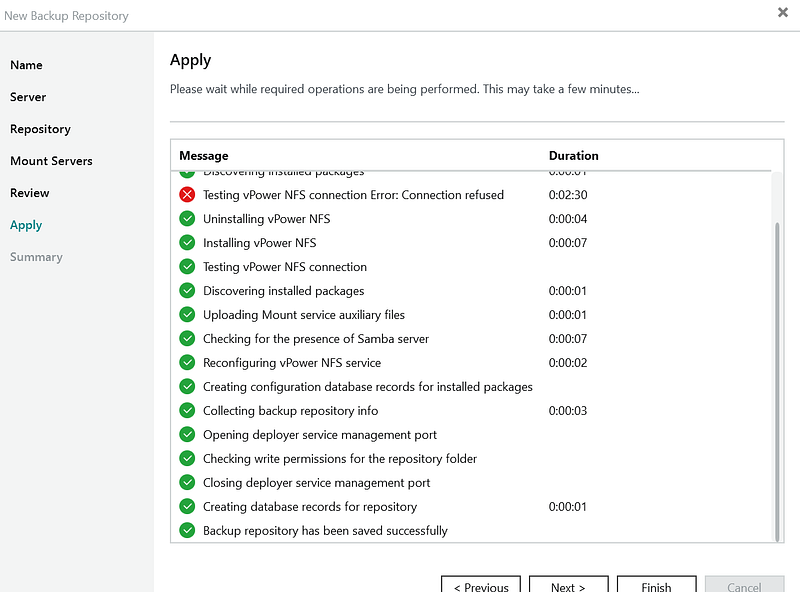
ok! it’s finished and your repo is rrready to work for you! Keep in mind that updates are easily managed via the GUI