Veeam Appliance 13 Beta 2 on Proxmox 9
Veeam Appliance 13 Beta 2 on Proxmox 9
Today I finally (ab)used of my new ***NUClear ***(’cause it’s fanless and sooo smokin’ hot… like me!) with Proxmox 9 as hypervisor to install my first version of the coming Veeam 13th release.
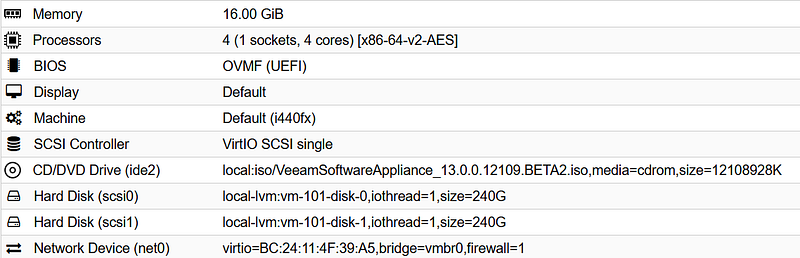
The installation was sooo easy: I just had to use proxmox new VM wizard with default setting and
- BIOS UEFI
- 2x 240GB discs
- 16GB RAM
the process is really easy and does not need to read the f… manual except for the password settings: pro tip: ask *ChatGPT *or *Gemini *to write a DISA STIG compliant but easy to type password ;-) also have your Proton/Google authenticator at hand: MFA is mandatory!
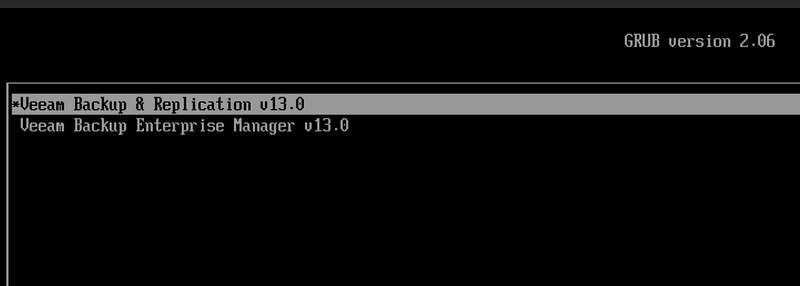
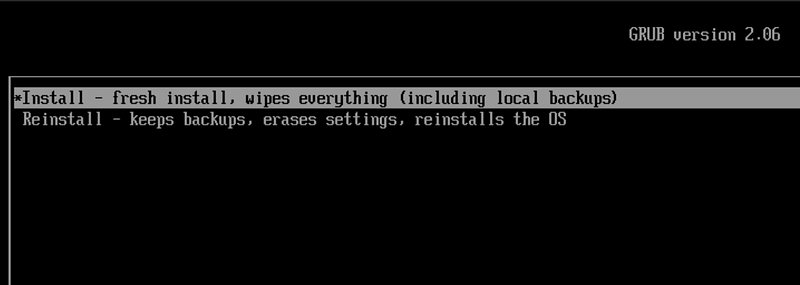
After boot choose VBR & Install
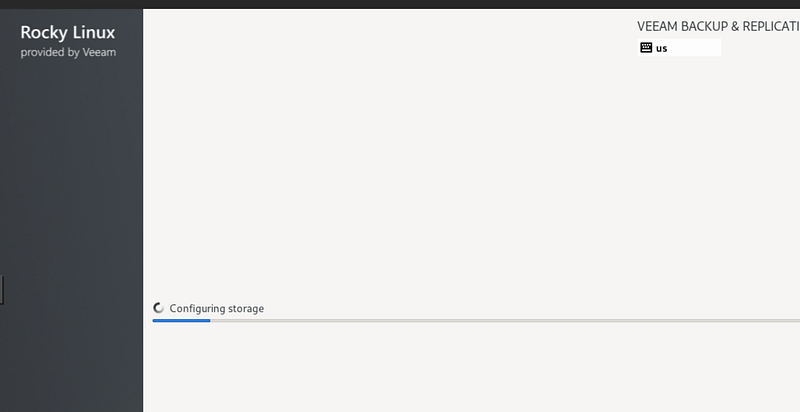
accept license and upload the appropriate .lic file
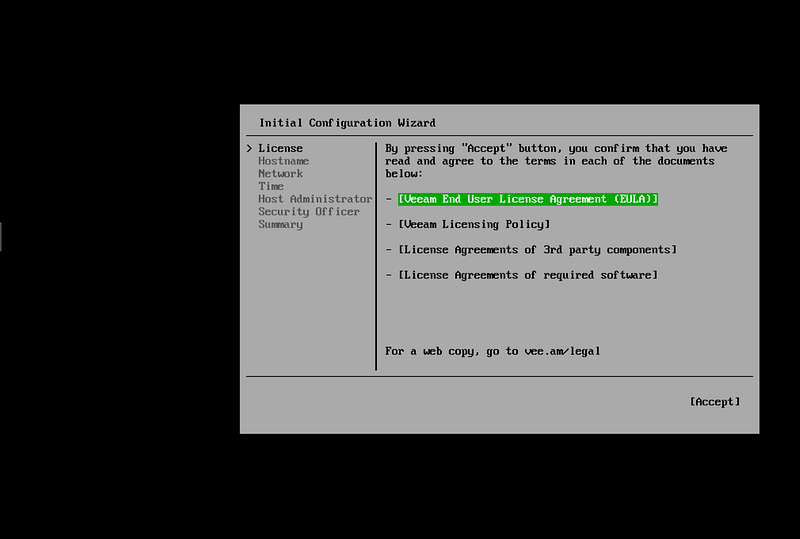
**WAIT **for a few minutes, ’cause the installer appears to hang at step 10/12, but it just takes time, especially in slow drives/labs. **SAME **for the reboot: for some minutes the console screen is black: don’t panic, and wait 10 minutes at least before destroy&reinstall :-D
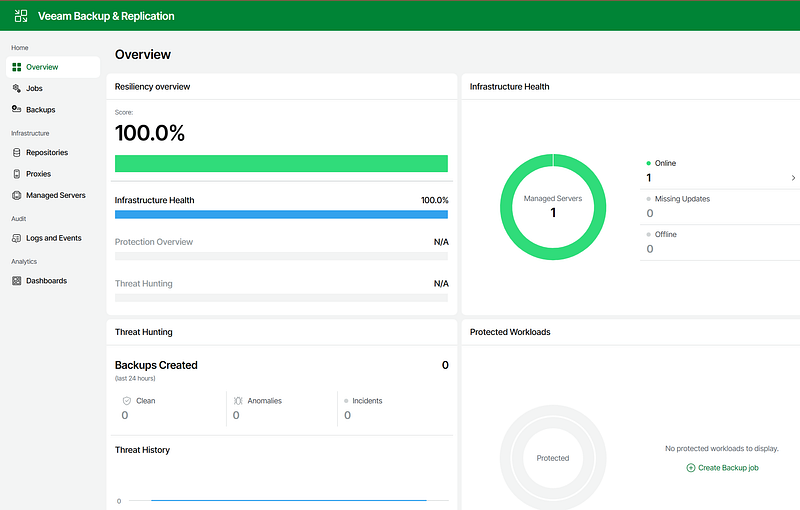
and here it is!
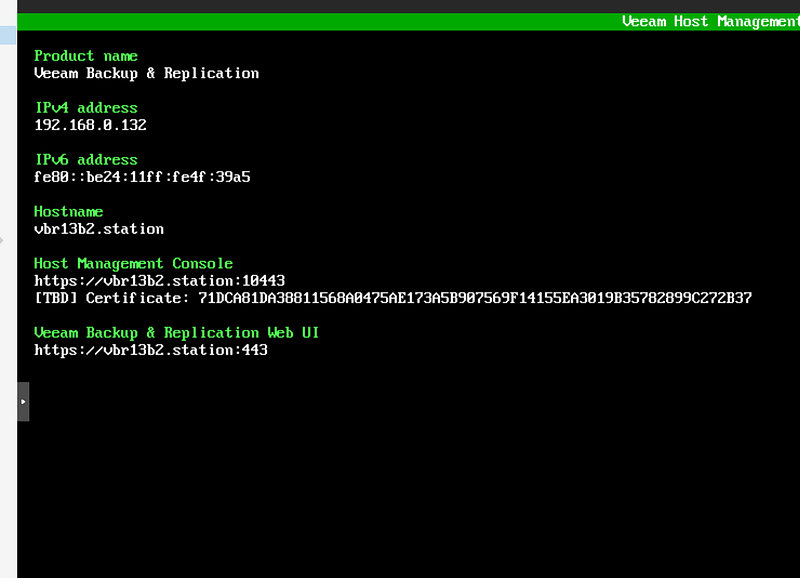
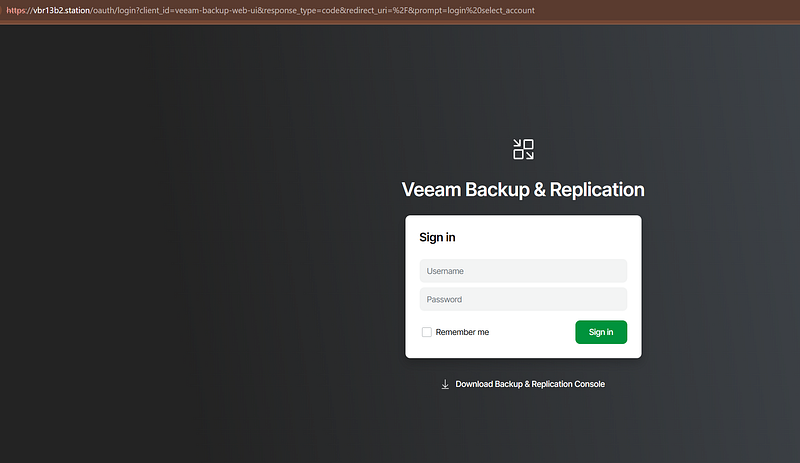
don’t forget to download and install the Console: the web GUI is not 100% functional yet.
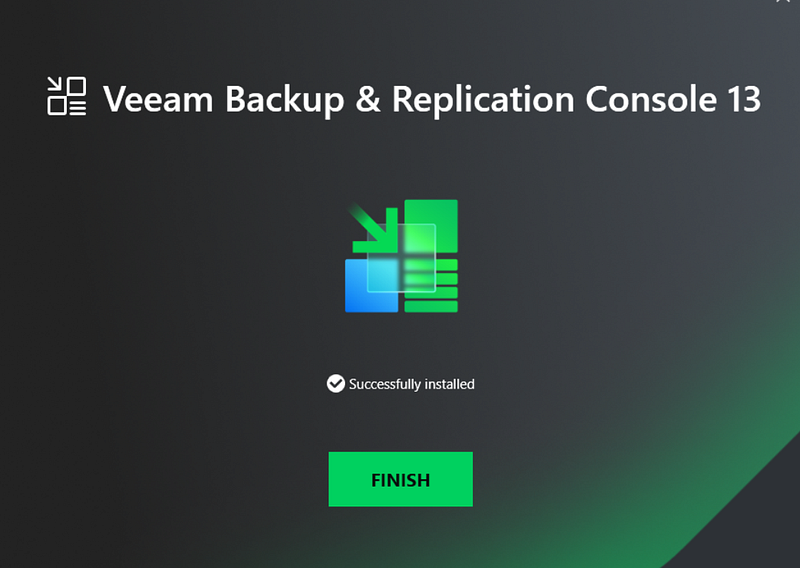
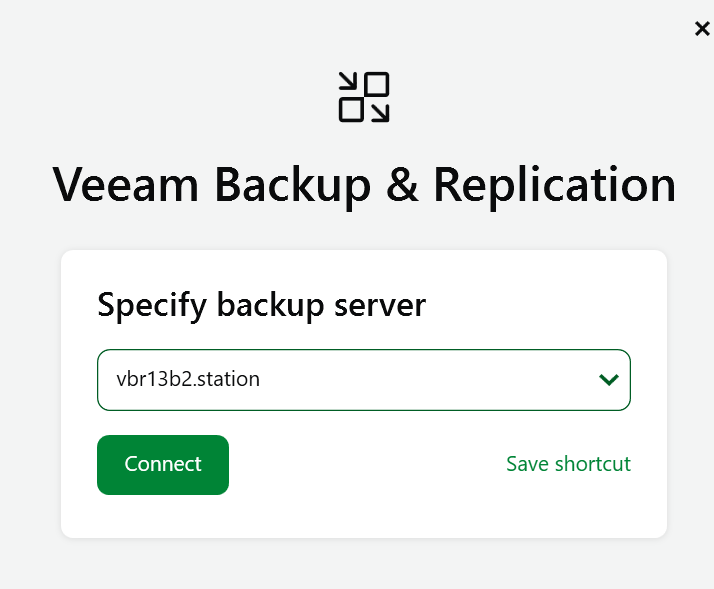
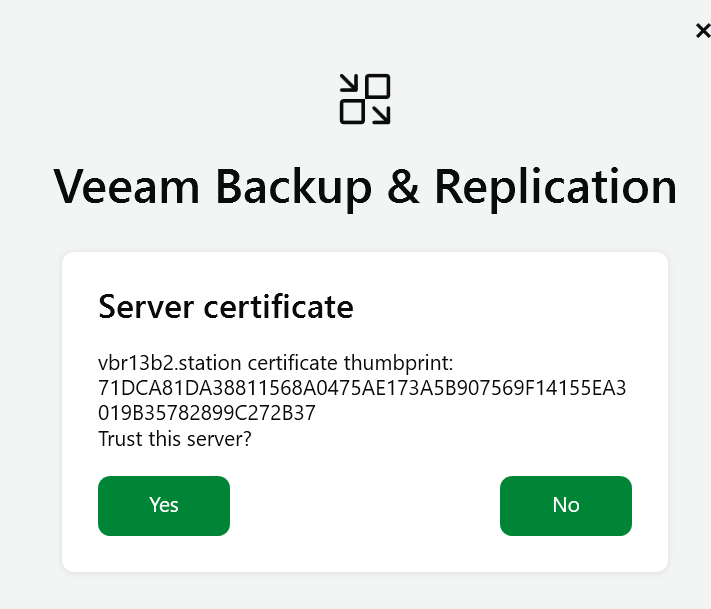
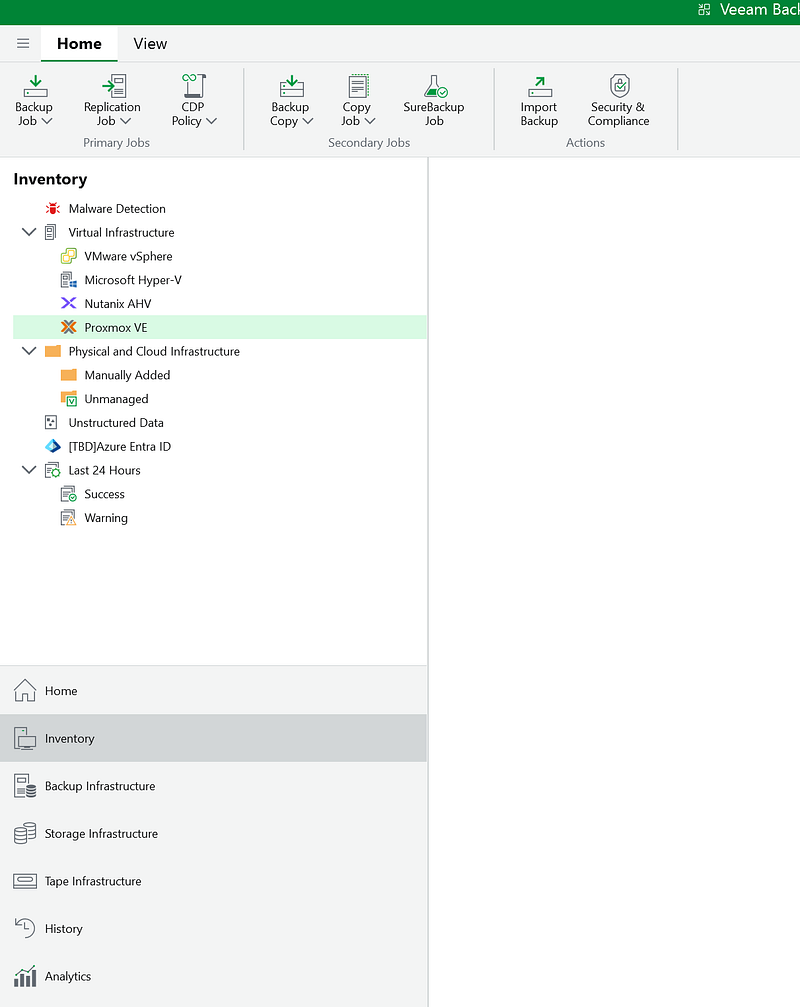
The new console interface has been cleaned: less icons on the top bar (they were too many, yes)