vCenter VCSA 9 installation
vCenter VCSA 9 installation
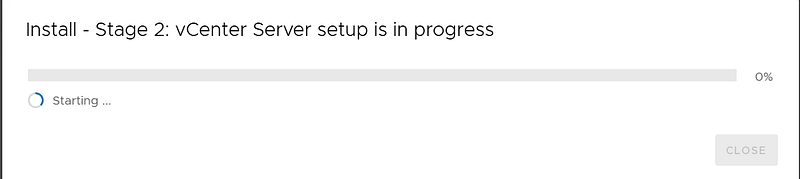
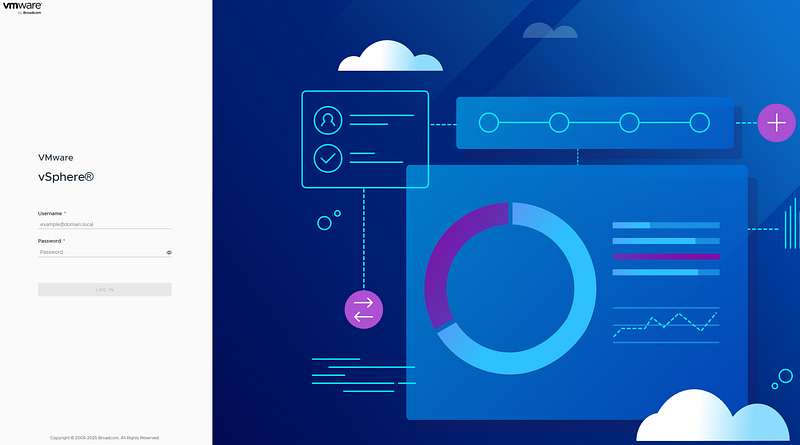
My lab’s VCSA 8 has broken during an update, so I wanted to test the installation and (basic) configuration of VCSA 9. I’ve found no big differences during the deploy.
N.B.: run the installer as Administrator, of stage 2 will not work!
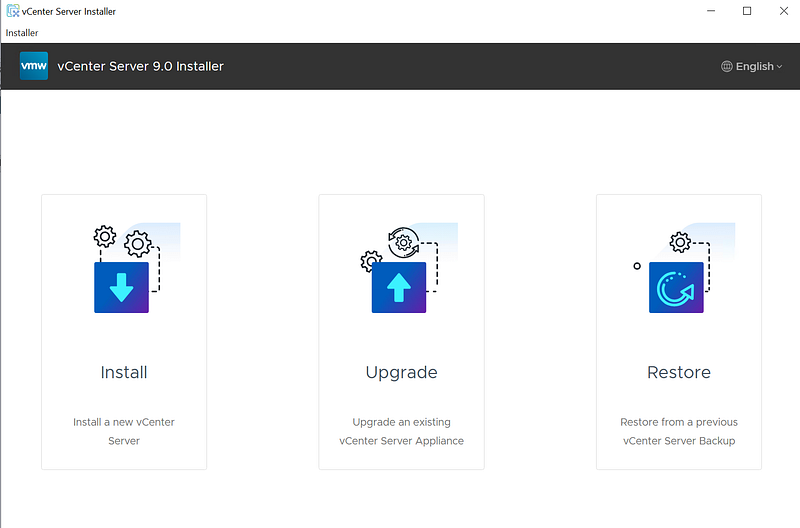
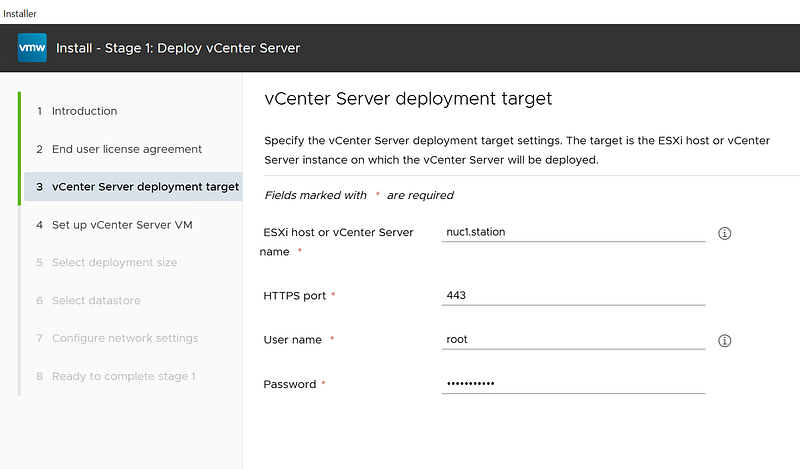
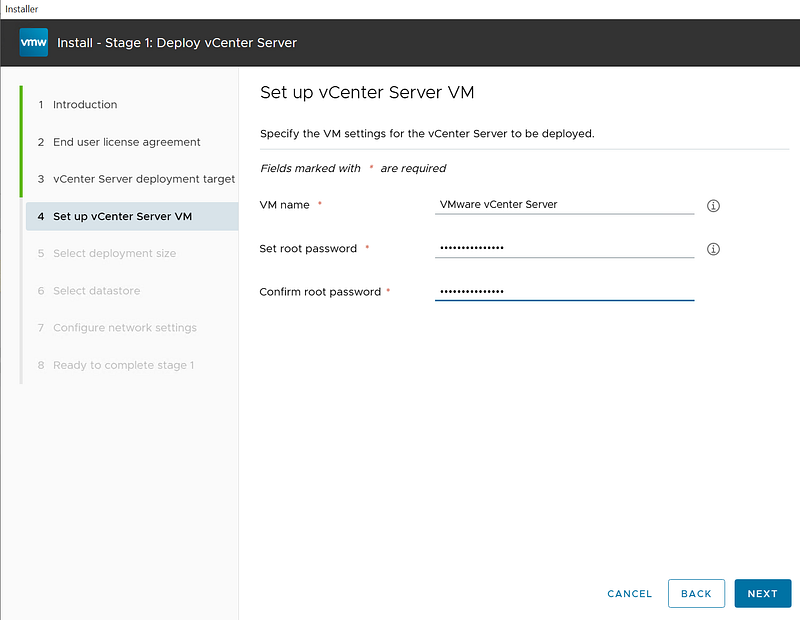
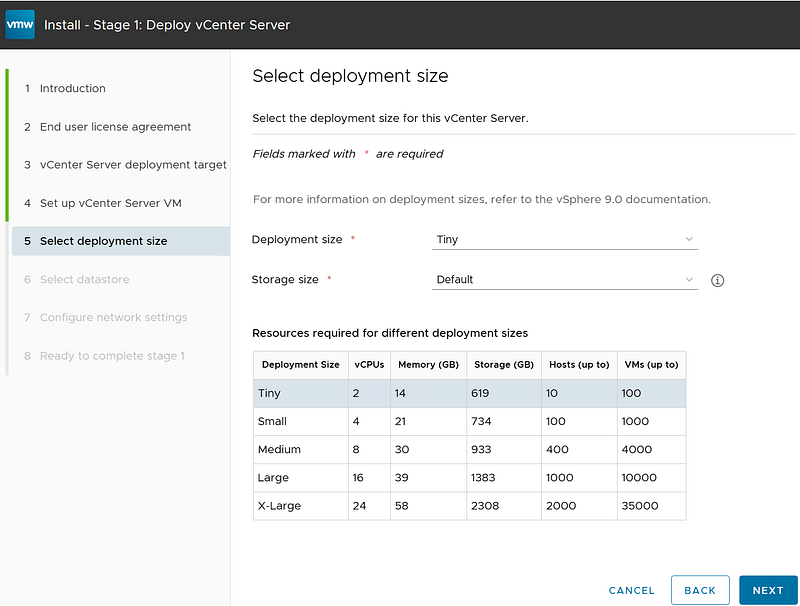
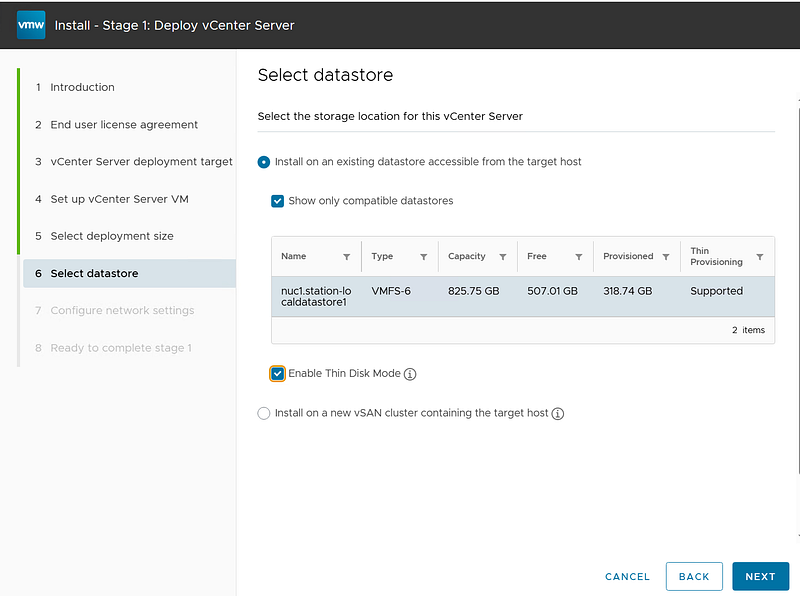
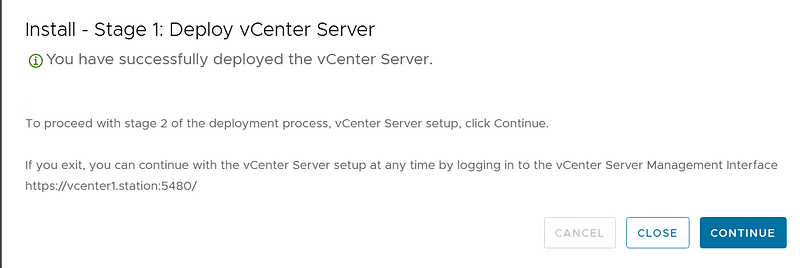
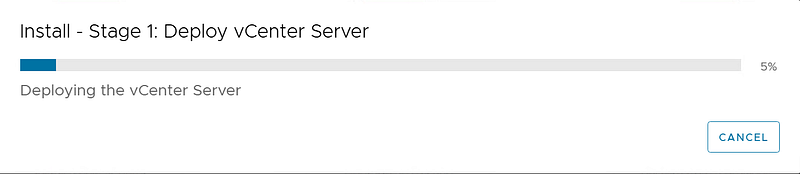
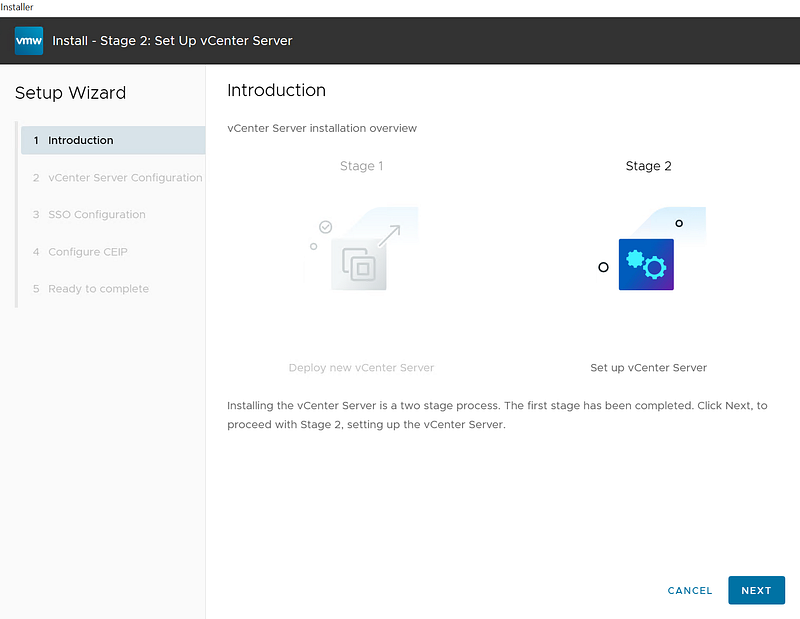
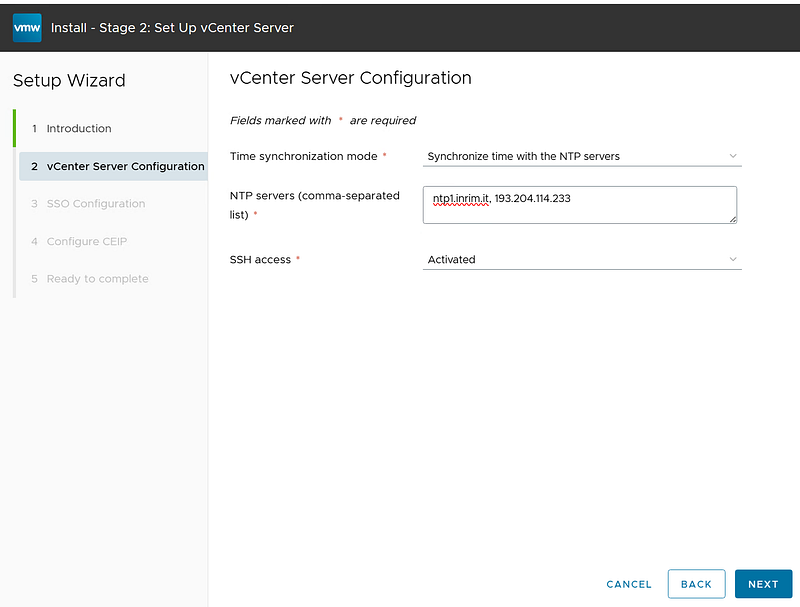
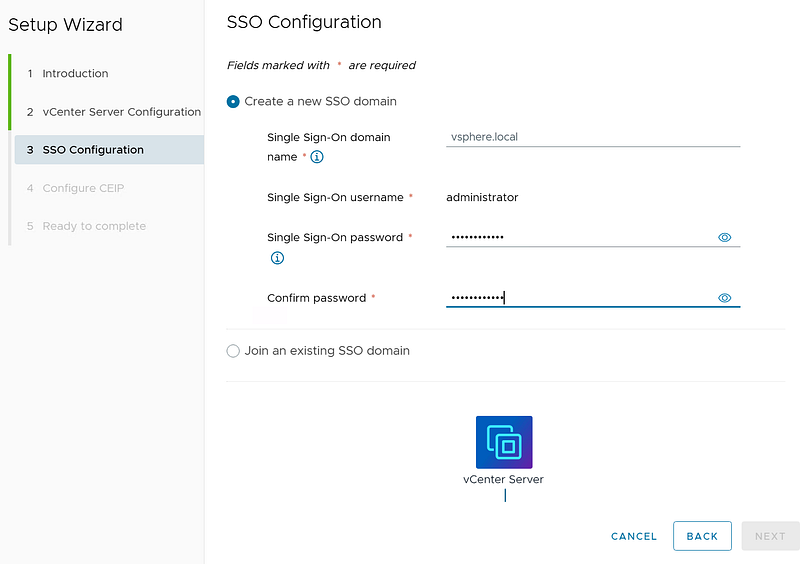
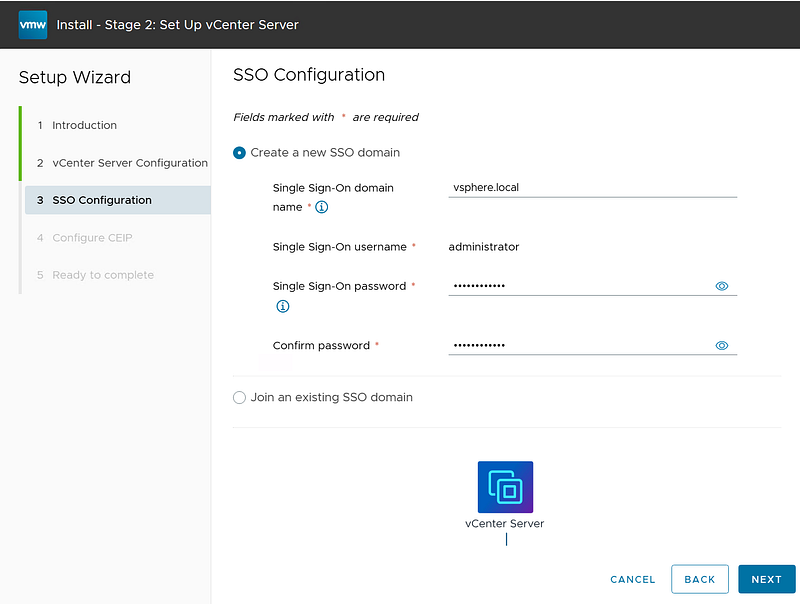
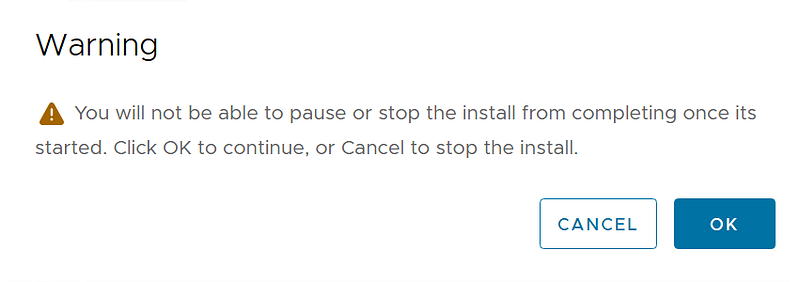
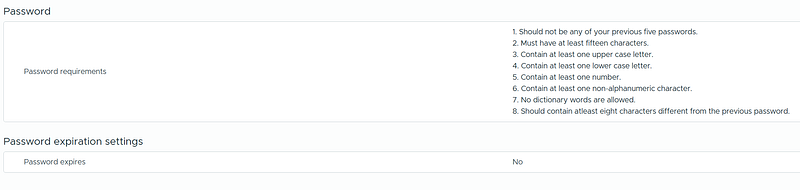
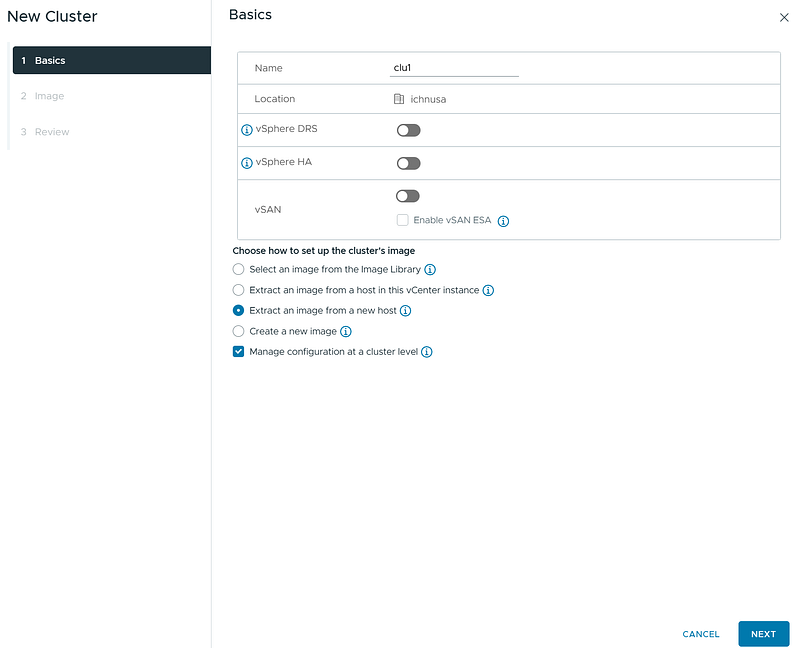
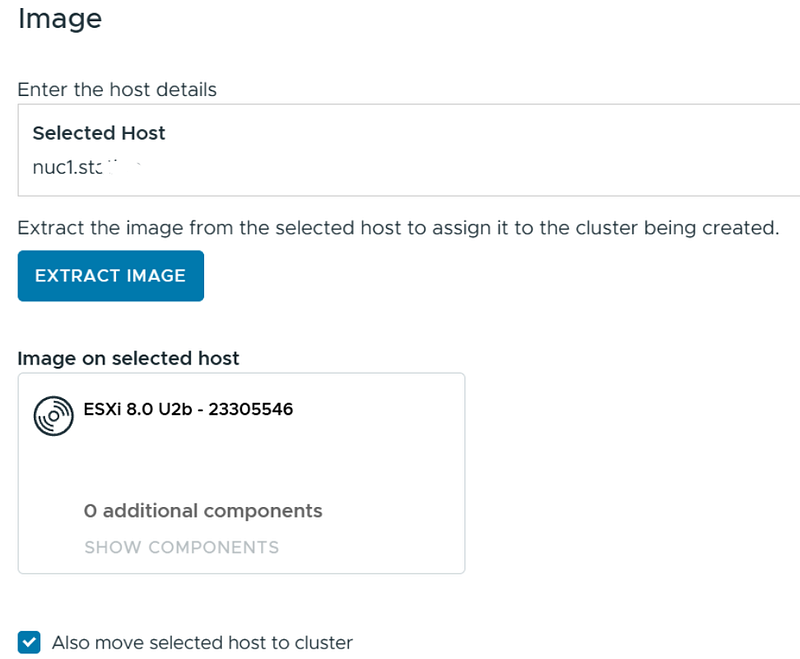
At this point I didn’t see any major changes. The bad surprise was yet to come: the VCSA was licensed with an eval license, that’s fine but….

… look at the warning in blue “you cannot manage license in the vSphere Client. You must use a VCF Operations instance…”. Oh my God: *that means I have to install further appliances/components and *that is probably too much for my 32GB Ram NUC :-(