Huge Veeam logs directory in an Hardened Repo


Huge Veeam logs directory in an Hardened Repo

A customer with a very large Veeam environment using a Hardened Linux Repository pointed out that the /var/log/VeeamBackup directory was growing significantly — we’re talking tens of GBs.
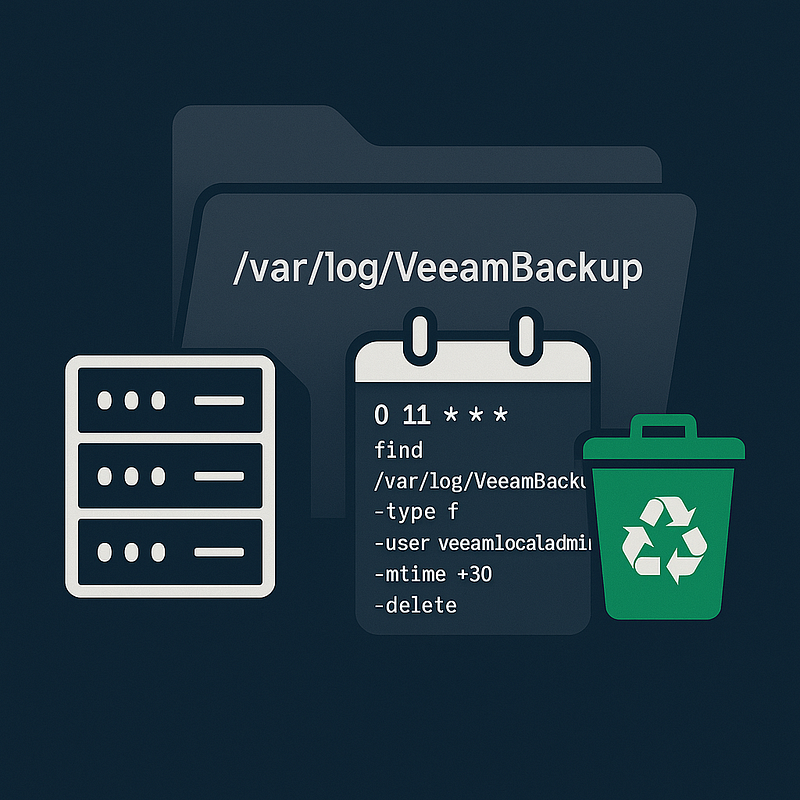
On a Hardened Repo I have access to, I noticed quite a few fairly large log files, even though they were compressed. These files were owned by the non-root user that was used to connect the Linux server to Veeam.

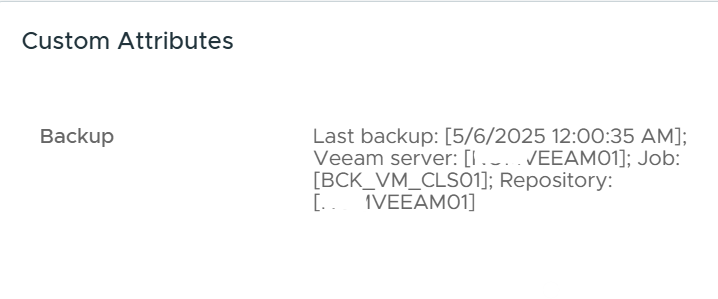
Veeam can write vSphere Attributes!


Veeam can write vSphere Attributes!

Today we’re talking about a small, often overlooked Veeam feature that can actually save you a lot of time, confusion, and back-and-forth.

With just a few clicks, you can set up your VM backup jobs to automatically write a short note into the *vSphere *Custom Attributes, showing when the last backup was run.

It might seem redundant or unnecessary, but — as I often say — proper monitoring of infrastructure and backups is frequently missing. So having this info right there in vSphere, visible even to folks without access to the Veeam console, can spare you dozens of phone calls, emails, questions, and time spent reassuring nervous colleagues. Plus, it’s an easy way to spot if something’s actually wrong — like if the last backup date is old ;-)

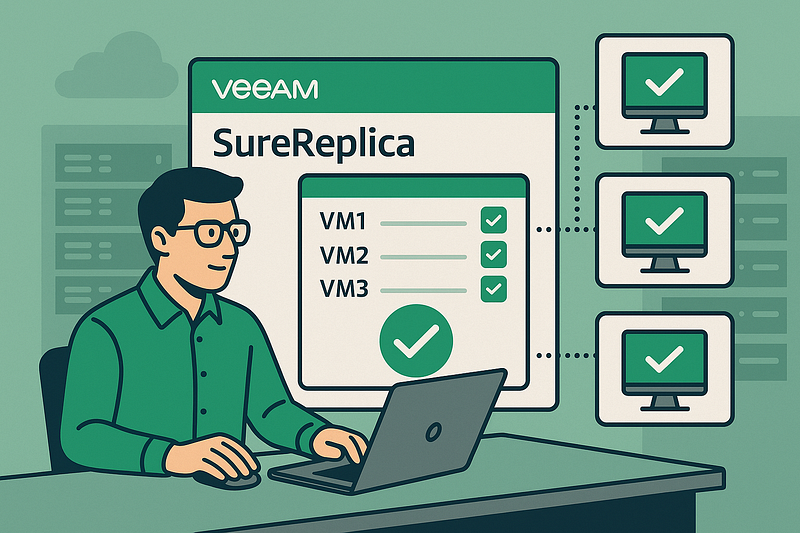
Veeam SureBackup for testing critical VMs


Veeam SureBackup for testing critical VMs

About a month ago, we migrated a critical database from an old server to a new one running *Oracle *Linux 9 and *Oracle *19c. To speed up the migration process, we moved a virtual disk (on a *vSphere *environment) from a temporary VM used during the migration to the final destination VM.

Ideally, we should’ve done a reboot at the end to ensure the VM’s integrity, but due to very tight downtime constraints, that step was skipped.

Veeam RMAN strange errors: always check for disk space first :-D


Veeam RMAN strange errors: always check for disk space first :-D

Today I had to investigate reported errors on a *RMAN Plugin backup *failing with errors like this

Backing up data
RMAN error: RMAN-03002: failure of backup plus archivelog command at 04/23/2025 01:15:35
ORA-19506: failed to create sequential file,
name="67f74238-2cef-4d85-bd0a-1166a0598955/RMAN_11409181_WP_20250423_gv3nj518_416287_1_1.vab",
parms="" ORA-27028: skgfqcre: sbtbackup returned error
ORA-19511: non RMAN, but media manager or vendor specific failure,
error text: TCP stream was closed --tr:Failed to start source agent.
--tr:Failed to start shared source agent. --tr:Failed to get agents session. --tr

“oh my god, I’m going to collect a tons of logs, ask help from the Oracle DBa, open a case…”

Increasing SQL query timeout for Veeam products


Increasing SQL query timeout for Veeam products

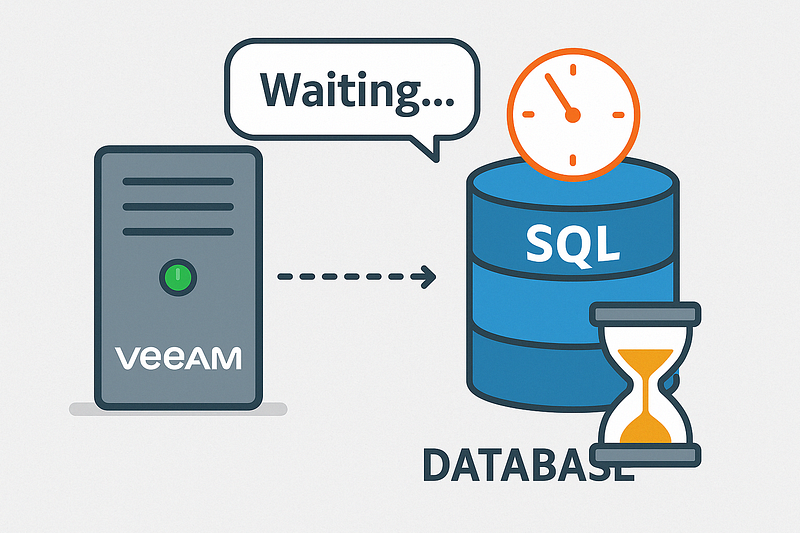
It happens sometimes, that the *MsSQL *database server hosting the Veeam Backup&Replication database has poor performances and/or the DB is really huge. Because of this, heavy/big queries can hit the timeout and fail. There is a registry key you can modify to control this time, and the support engineer could ask to increase it.

I think it’s safe to increase it before asking the support, to try solving issues on a very slow or stressed Veeam environments. The key is:

vSphere VCSA 8.x 7.x: change DNS


vSphere VCSA 8.x 7.x: change DNS

I had to change the primary DNS in a vCenter appliance 8. First, I tried with the **VAMI **and had some issues (stupid ond one… when administrator@vsphere.local were requested, the user is suggested, in “light grey”, that means you have to retype it).

Sometimes a stupid bug is helpful: I checked the official KB to see what’s wrong and I’ve found this “additional info” :-\

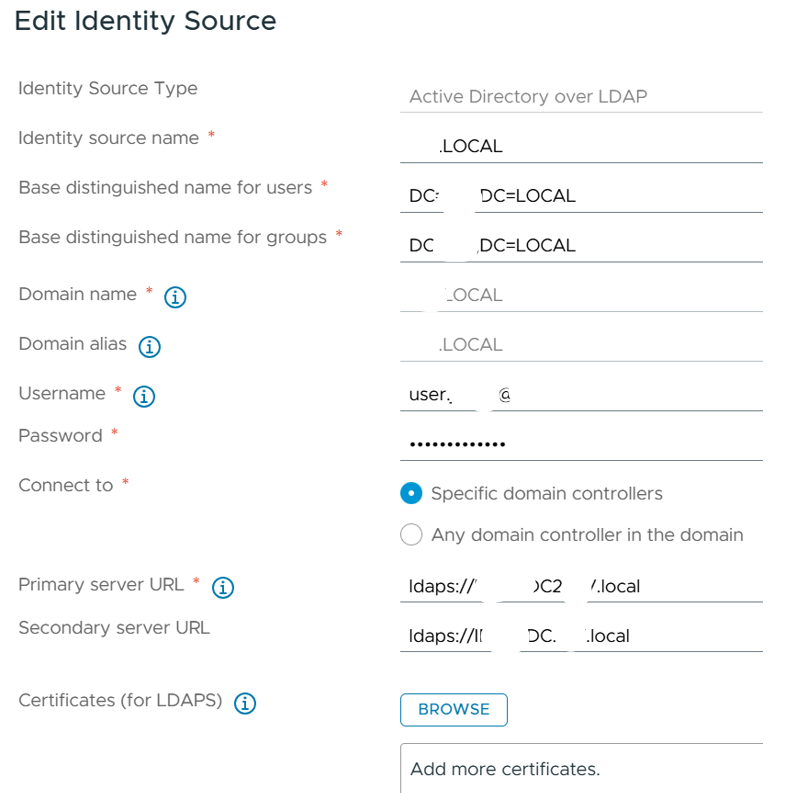
vSphere AD over LDAP(s) Identity Source config


vSphere AD over LDAP(s) Identity Source config

When adding the **AD **as Identity Source as currently recommended, you have to retireve the **LDAPS ***Certificates *of the *Primary *and *Secondary *servers

when possible, I’m using the Openssl utility installed in the VCSA, with these two commands:

> openssl s_client -showcerts -connect pdc.izz.local:636 -servername pdc.izz.local </dev/null 2>/dev/null > pdc.cer

> openssl s_client -showcerts -connect pdc2.izz.local:636 -servername pdc2.izz.local </dev/null 2>/dev/null > pdc2.cer

these commandsproduce a text file where you can easily cut&paste the correct certificate

Veaam backup/tape encryption notes


Veaam backup/tape encryption notes

Some customers have started encrypting their backups, or are just beginning to. This is a smart move because, in case of an attack, backups can be stolen as well as deleted.

And when it comes to tapes — especially those being transported to/from a bank or another site — they can be easily lost or stolen… physically.

*Veeam *handles encryption intelligently. For tapes, encryption settings are found in the *Media Pool *configuration. If the tape library supports hardware-level encryption, **the best part is that you don’t have to choose whether to configure encryption in Veeam or in the library — just enable it in Veeam, and the key will be automatically passed to the library, which will handle encryption without consuming CPU resources on the Tape Server. If the library doesn’t support encryption, *Veeam *takes care of everything, at the cost of some processing load on the Tape Server.