Veeam Threat Hunter: internet access required


Veeam Threat Hunter: internet access required

Today I was working with a customer to walk them through the Staged Restore feature in Veeam Threat Hunter. We ran into an error saying it couldn’t fetch the latest malware signatures for the scan.

That made sense — their Veeam Backup Server doesn’t have internet access by design, to reduce the risk of exposure or compromise.

However, every time you run something like an Instant Recovery with staged restore, Veeam still tries to pull the latest signature updates. It wasn’t super obvious from the documentation which URLs needed to be allowed for this to work.
Veeam ‘hidden switch’ “remove deleted items data after…” and green warnings


Veeam ‘hidden switch’ “remove deleted items data after…” and green warnings

Let’s take a VM backup job that protects, say, 10 virtual machines. At some point, one of those VMs gets excluded — either because it’s been removed, or maybe it’s now being backed up by another job.

On the next job runs, you’ll see a warning — although it’s easy to miss, since it’s one of those rare cases where a warning shows up in green.

NetApp filer backup and NFS protocol change


NetApp filer backup and NFS protocol change

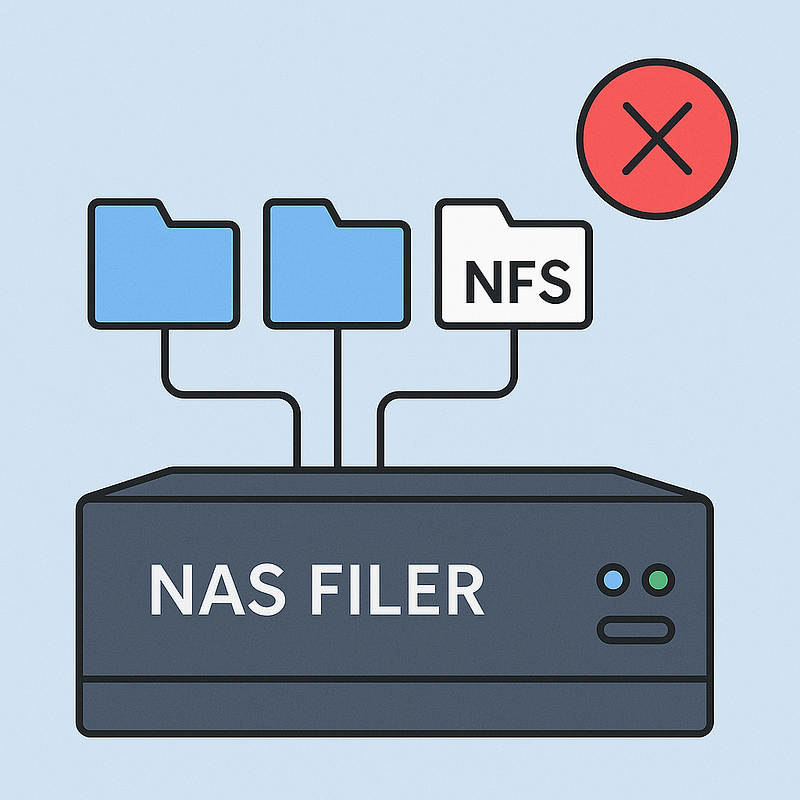
I have a customer with a job that backs up a NetApp NAS filer running Data ONTAP. Recently, for some shares, the following error appeared:

source was changed from NFS v3 to NFS v4. Please revert protocol changes or start a new backup chain

Important note: if the protocol used to export the shares is changed, unfortunately you need to start over with a new backup chain.  This isn’t as straightforward as it is for VM backup chains, where you can just trigger an active full or switch repository, etc.

Resetting root password on an Oracle Linux 9 with selinux enforced


Resetting root password on an Oracle Linux 9 with selinux enforced

I’ve found an issue on the procedure documented online in various sites (and chatGPT). And spent some time with it.

Step 1: reboot and press ‘e’ at the boot menu, add ‘rd.break’ at the end of the “linux….” line, and press F10

Step 2: at the prompt type

# mount -o remount,rw /sysroot
# chroot /sysroot
# passwd

and set the new password. Don’t reboot!

Once upon a time there were One Thousand temporary profiles…


Once upon a time there were One Thousand temporary profiles…

A customer pointed out an issue that started after access to port 445 on Windows systems was blocked for security reasons. Veeam was still able to perform guest processing backups of VMs using **VIX **(in a *vSphere *environment), which allows it to interact with the OS without using the network. However, after a certain number of backups, things started to fail.

Veeam 12.3.2 released: critical vulnerability


Veeam 12.3.2 released: critical vulnerability

As we know, best practices advise against placing Veeam servers inside a production Active Directory domain: it’s better to keep them outside the domain or in a separate, dedicated one.

In any case, if your server (or a customer’s server) is domain-joined, it’s important to update it promptly, as *the severity score of this vulnerability is “only” *9.9.

KB4743: Vulnerabilities Resolved in Veeam Backup & Replication 12.3.2 Veeam Support Knowledge Base answer to: Vulnerabilities Resolved in Veeam Backup & Replication 12.3.2www.veeam.com

The great excape from Broadcom: another player? ScaleComputing


The great excape from Broadcom: another player? ScaleComputing

Many company and consultatns are discussing about leaving the good old vSphere from VMware for something new.

Most of the new (Oracle, ProxMox, etc) are KVM based products. Now a new on is coung out:

Scale Computing

the name sounds good, the website is well designed. The license model should be pretty simple and less expensive.

You can read a brief independent comparison here

Veeam config DB check tips


Veeam config DB check tips

It may happen that Veeam’s support engineer ask you to perform a check of the Veeam DB.

First of all, you need to find a mainenance window and to stop all veeam services, with the gui or this powershell (elevated) command:

Get-Service Veeam* | Stop-Service -Force

after that, open Sql Management Studio, connect to the VeeamBackup’s DB server, open a query window and issue:

ALTER DATABASE VeeamBackup SET READ_ONLY;
dbcc checkdb (VeeamBackup)

this will produce an output that’s interesting for the support engineer. After sending it, you’ll have to put the DB in a working status before to start Veeam services:

Ripasso utilissimo su Active Directory


Ripasso utilissimo su Active Directory

Rilancio qui questi tre post molto interessanti, sintetici chiari e istruttivi di Raffaele Valensise

Procedure di Ripristino di Domain Controller — Parte I

Procedure di Ripristino di Domain Controller — Parte II

Procedure di Ripristino di Domain Controller — Parte III

Procedure di Ripristino di Domain Controller — Parte IV

Procedure di Ripristino di Domain Controller — Parte V