Once upon a time there were One Thousand temporary profiles…
Once upon a time there were One Thousand temporary profiles…
A customer pointed out an issue that started after access to port 445 on Windows systems was blocked for security reasons. Veeam was still able to perform guest processing backups of VMs using **VIX **(in a *vSphere *environment), which allows it to interact with the OS without using the network. However, after a certain number of backups, things started to fail.
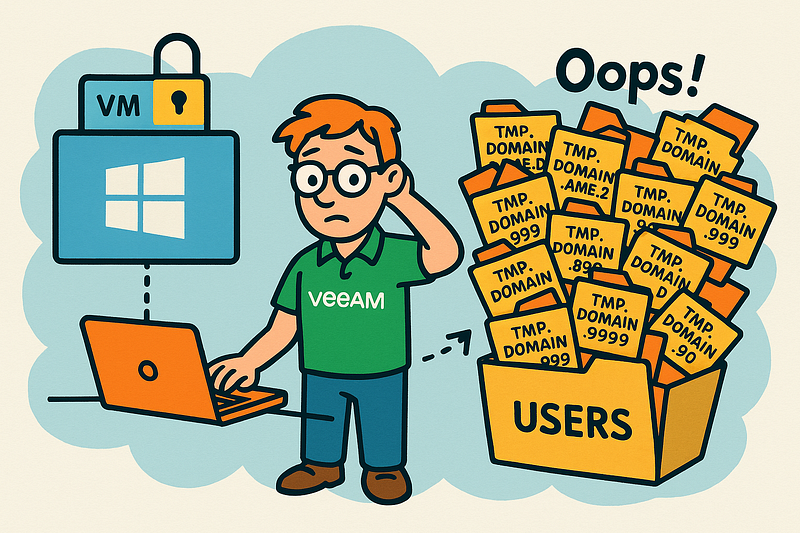
The customer noticed that under C:\Users, there were hundreds of temporary profile folders named TMP.DOMAINNAME.xxx, with xxx ranging from 0 to 999. Once the system hits 1000, it refuses to create any more temp profiles, and that’s when backups start breaking.
This odd behavior is actually a known issue between Windows and vSphere — Veeam is just caught in the middle 😉. It was discussed a couple of years ago in the forums:
https://forums.veeam.com/vmware-vsphere-f24/strange-permission-issue-related-to-vix-t73130.html
…and eventually made it into the official documentation:
https://helpcenter.veeam.com/docs/backup/vsphere/required_permissions.html?ver=120
[For networkless guest processing over VMware VIX] To be able to perform more than 1000 guest processing operations, the user that you specify for guest processing must be logged into the VM at least once.
The fix? Just log once into the VM (e.g., via RDP) using the same account Veeam uses for guest processing. That forces the OS to create a proper user profile, and avoids the creation of temp folders.