Huge Veeam logs directory in an Hardened Repo
Huge Veeam logs directory in an Hardened Repo
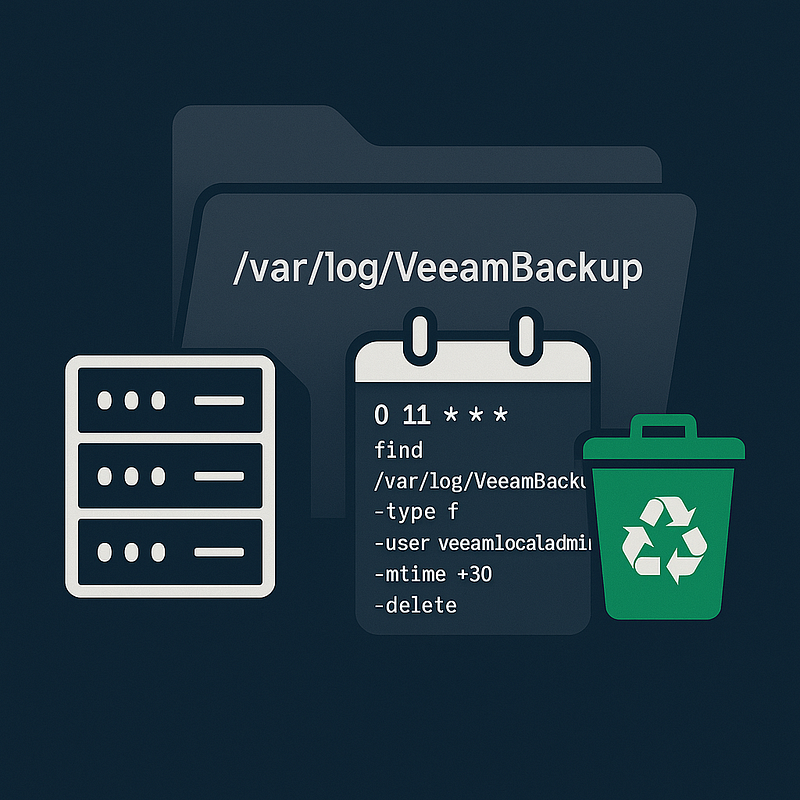
A customer with a very large Veeam environment using a Hardened Linux Repository pointed out that the /var/log/VeeamBackup directory was growing significantly — we’re talking tens of GBs.
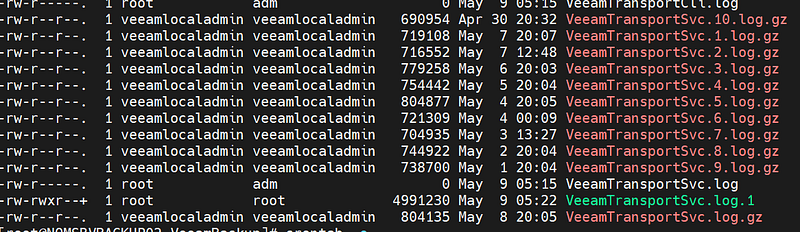
On a Hardened Repo I have access to, I noticed quite a few fairly large log files, even though they were compressed. These files were owned by the non-root user that was used to connect the Linux server to Veeam.
Everything is fully detailed in this Official KB. You can naturally choose to follow the proposed solution, or adopt a workaround as I did: with some help from AI, I came up with and tested this cron job:
0 11 * * * find /var/log/VeeamBackup/ -type f -user veeamlocaladmin -mtime +30 -delete
It runs daily at 11 AM and deletes log files older than 30 days, but only those owned by that specific user (the o.
Seems like a decent solution to me — what do you think?
P.S.: “official solution” is the following one:
This value is not present in the configuration file by default and may need to be manually created.If the /etc/VeeamAgentConfig file is not present on the Linux machine, you must first create it.
As an individual log file grows larger than the maximum size, a new generation of log files is created. This setting controls the maximum number of generations of agent log files to be retained.
Example: Agent.DC.Source.DC.1.log, Agent.DC.Source.DC.2.log,Agent.DC.Source.DC.3.log, etc.
Config File Location: /etc/VeeamAgentConfig Entry Name: AgentMaxLogCountData: Default: 10
Example: AgentMaxLogCount=5
my 2 cents: the KB should specify ***ownership ***and ***permissions ***for the file to be created ;-) but read for all should be fine.
better idea: it would be nice to create the file during installation process, empty or with a line of comment.